
Choose touchscreen rentals around how users need to interact with content, not just the screen size alone.
Touchscreen rental planning
Touchscreen Display Rentals for Events, Registration, Collaboration & Interactive Experiences
Rent touchscreens for registration, lead capture, wayfinding, product exploration, collaboration, workshops, and temporary interactive business environments. Rentacomputer.com provides short-term touchscreen rentals including kiosks, large format touch displays, and interactive touch tables for events, meetings, and audience engagement.
Interactive ReadyKiosks, large touch displays, touch tables, apps, content, and AV support
- Registration, lead capture, wayfinding, demos, and collaboration
- Freestanding kiosks, large touch displays, and interactive touch tables
- Computer source, application workflow, power, placement, and support planning
Event-ready interactive deployments
Touchscreen rentals built around the user, content, location, and engagement goal.
Touchscreen rentals are a strong fit when an organization wants attendees, visitors, or teams to interact directly with content instead of passively watching it. That may mean a kiosk for registration, a large touch display for workshop collaboration, or an interactive touch table for product storytelling and experiential engagement.
Some projects need a self-service touchscreen for one event zone. Others need larger collaboration displays, wayfinding systems, or interactive engagement hardware across multiple spaces. We help match the touchscreen format to the venue, traffic flow, content type, application workflow, and experience goal.
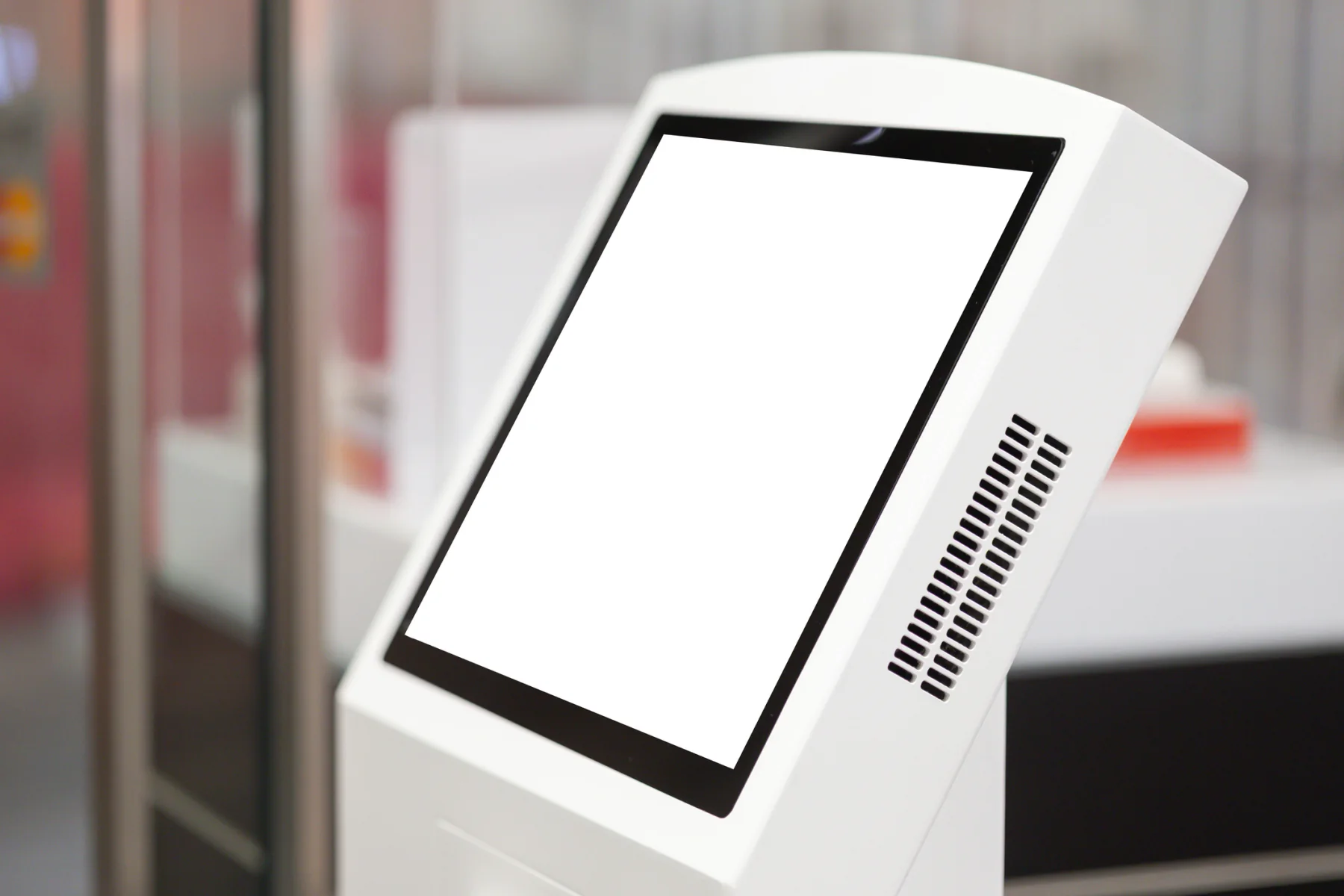
Match the form factor to the venue, traffic flow, user posture, content type, and engagement goal.
Coordinate the touchscreen with the supporting hardware, software, connectivity, and onsite workflow needed for a practical interactive deployment.
Turn Passive Traffic Into Active Engagement
Touchscreens encourage visitors to explore, search, register, submit information, and interact directly with your content or brand.
Flexible for Kiosks, Collaboration & Demos
Support a single registration station, a workshop room, an interactive demo, or a broader multi-touch event deployment.
Built Around the Full Interactive Setup
Pair touchscreens with PCs, laptops, displays, digital signage, sound systems, camera support, networking, and onsite setup help.
Ready to move forward?
Ready to plan touchscreen rentals for your event or workspace?
Tell us how users will interact, where the touchscreen will be placed, what content or application will run, and whether you need kiosks, large touch displays, touch tables, computers, networking, or onsite support.
Plan the right interactive setup
Touchscreen kiosks, large touch displays, interactive touch tables and event engagement workflows
We provide short-term touchscreen rentals across the interactive formats teams request most often, including touchscreen kiosks, large collaboration displays, and interactive touch tables for temporary events and business use.
Common touchscreen rental requests include event registration, self-service check-in, lead capture, venue wayfinding, searchable content, collaborative workshops, digital whiteboarding, product exploration, and interactive marketing activations. Depending on the project, the setup may require one compact kiosk or a broader multi-screen interactive environment across several visitor touchpoints.
Touchscreen rentals are especially useful when a project needs temporary interactivity without buying permanent kiosks or room technology. Many deployments also involve laptops, PCs, displays, digital signage, sound support, camera gear, and onsite IT support so the full interactive environment works smoothly from setup through event close.
Workflow Lab
Plan touchscreens around user flow, content, placement, and support
A strong touchscreen rental plan connects the display format, content source, application workflow, visitor traffic, power, connectivity, and onsite support before the event begins.
Define the user interaction and location
Start with what users need to do, where the touchscreen will be placed, how many people will use it, and whether content is self-guided, staffed, or collaborative.
Match the screen, compute, app, and accessories
Coordinate touchscreen size, orientation, kiosk stand, computer or media player, app requirements, internet access, power, cable routing, and supporting AV.
Prepare for testing, traffic, and return
Plan content testing, setup timing, user flow, troubleshooting expectations, pickup timing, and end-of-rental return logistics.
Featured touchscreen solutions
Featured touchscreen rental options
These featured touchscreen groupings help teams quickly understand the setups most often used for self-service interaction, collaboration, and branded experiential engagement.
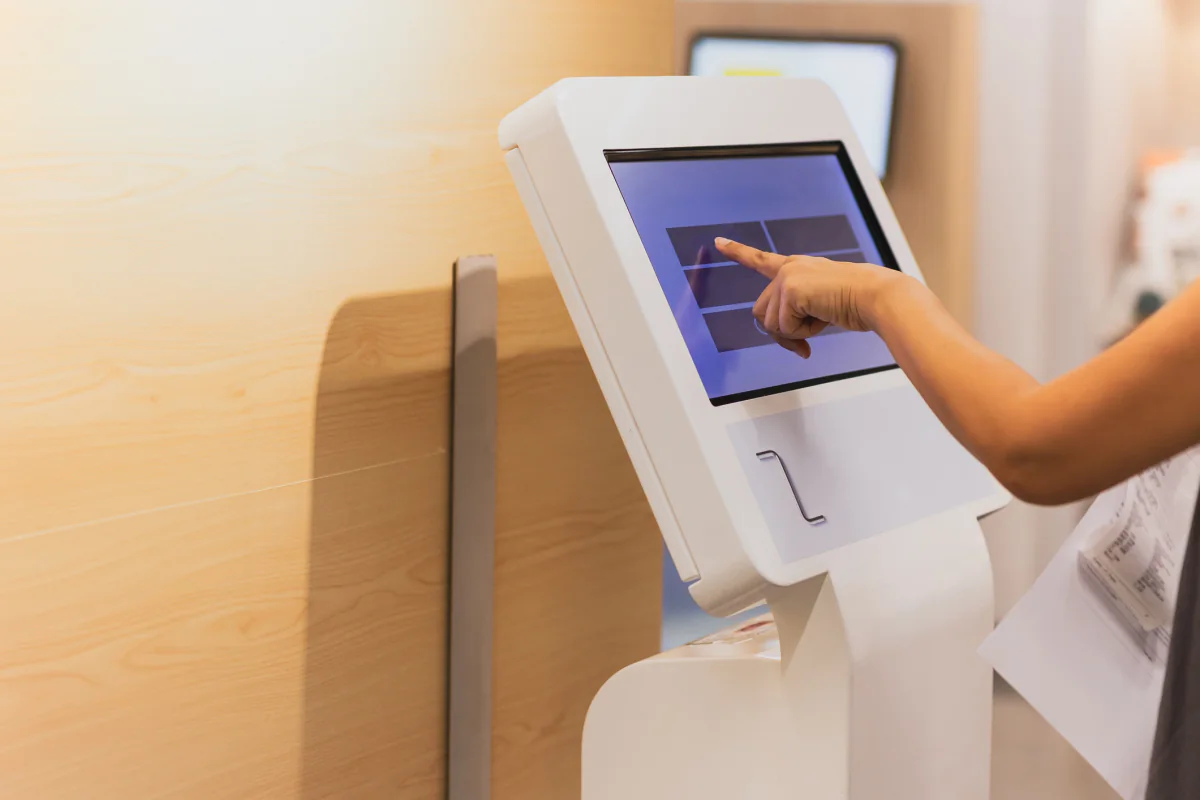
Self-Service & Kiosk Touchscreen Setups
Touchscreen rentals designed for independent attendee interaction, registration workflows, product exploration, and interactive digital experiences.
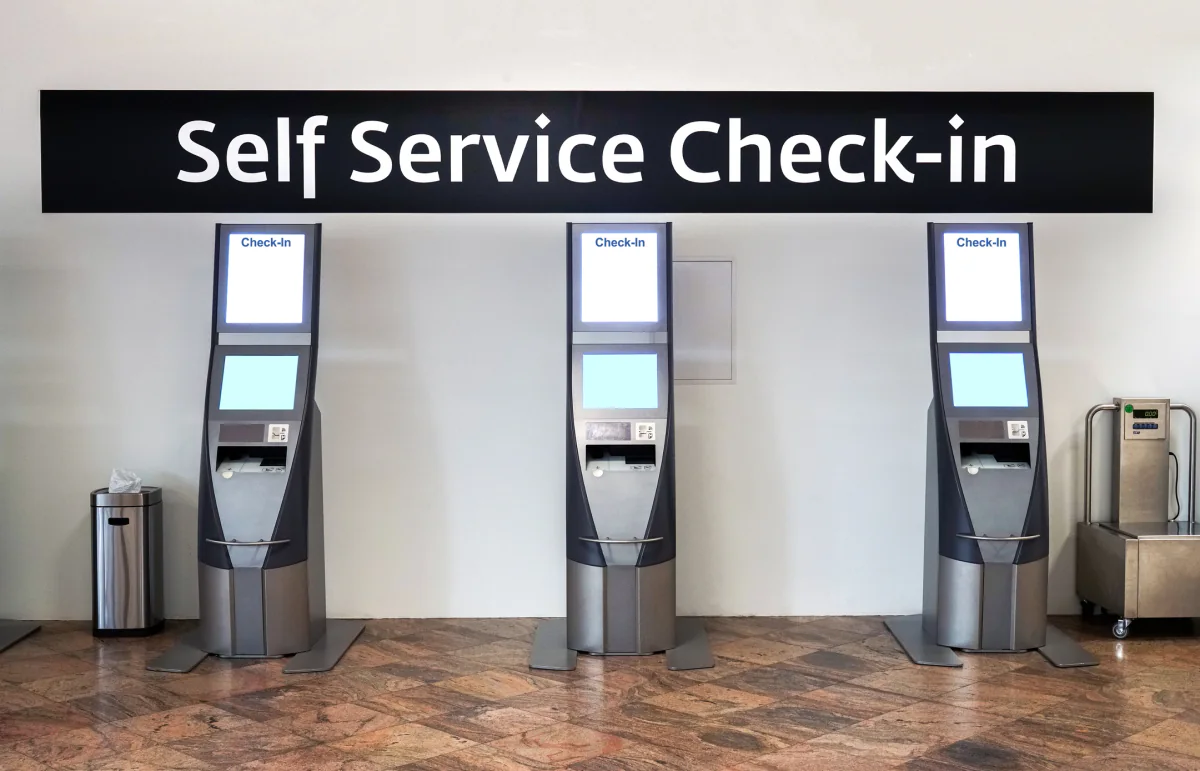
Collaboration & Workshop Touch Displays
Large touch-enabled displays built for meetings, workshops, collaborative planning, and shared screen interaction in room-based environments.
Experiential & Interactive Engagement Setups
Touchscreen rentals created for audience engagement, product storytelling, and hands-on interaction in marketing and event environments.
Touchscreen rental categories
Popular touchscreen configurations
Choose the touchscreen format that best matches your venue, user flow, and content. Request direct pricing or add a touchscreen option to a multi-item quote request.
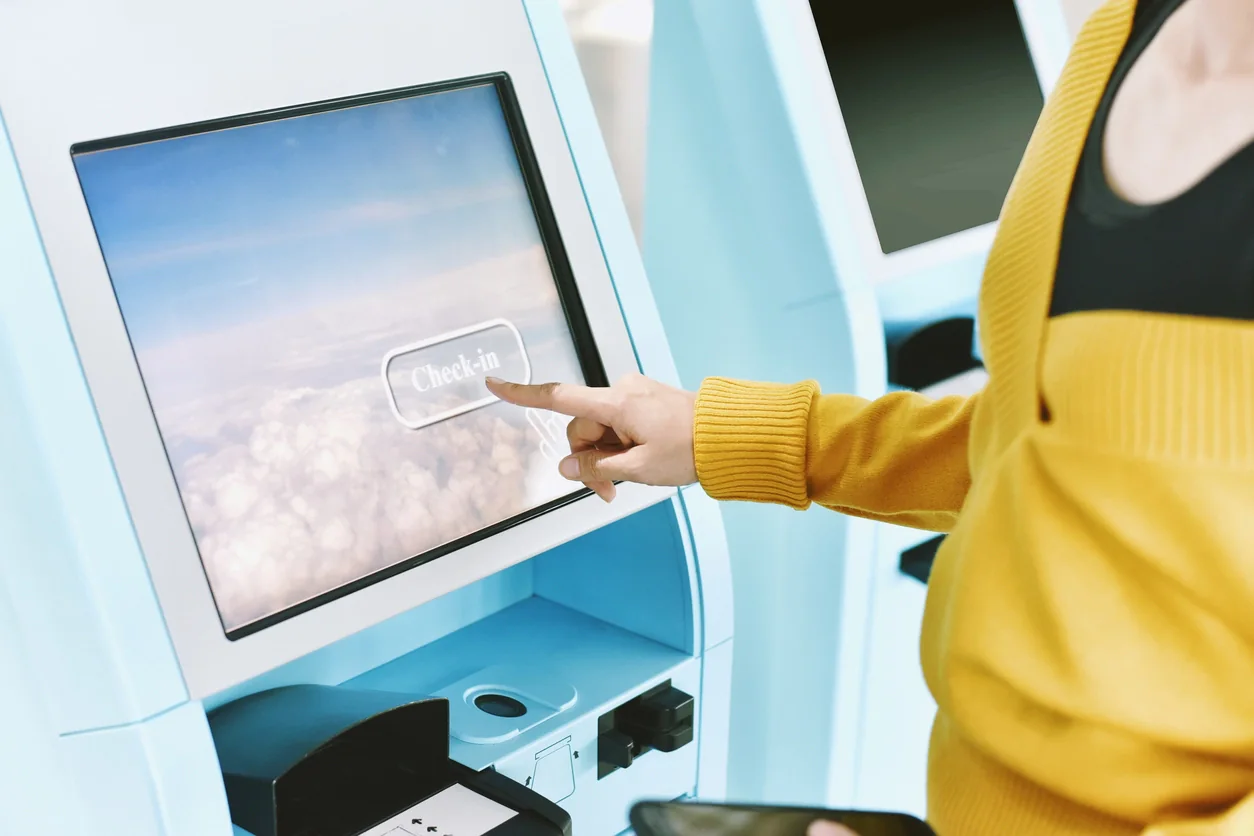
Freestanding Touchscreen Kiosks
Freestanding touchscreen kiosk rentals for self-guided content, interactive brochures, registration flows, surveys, lead capture, and attendee engagement.
Request pricing for this touchscreen option, or add it to a multi-item quote request for a larger interactive, event, or AV rental package.
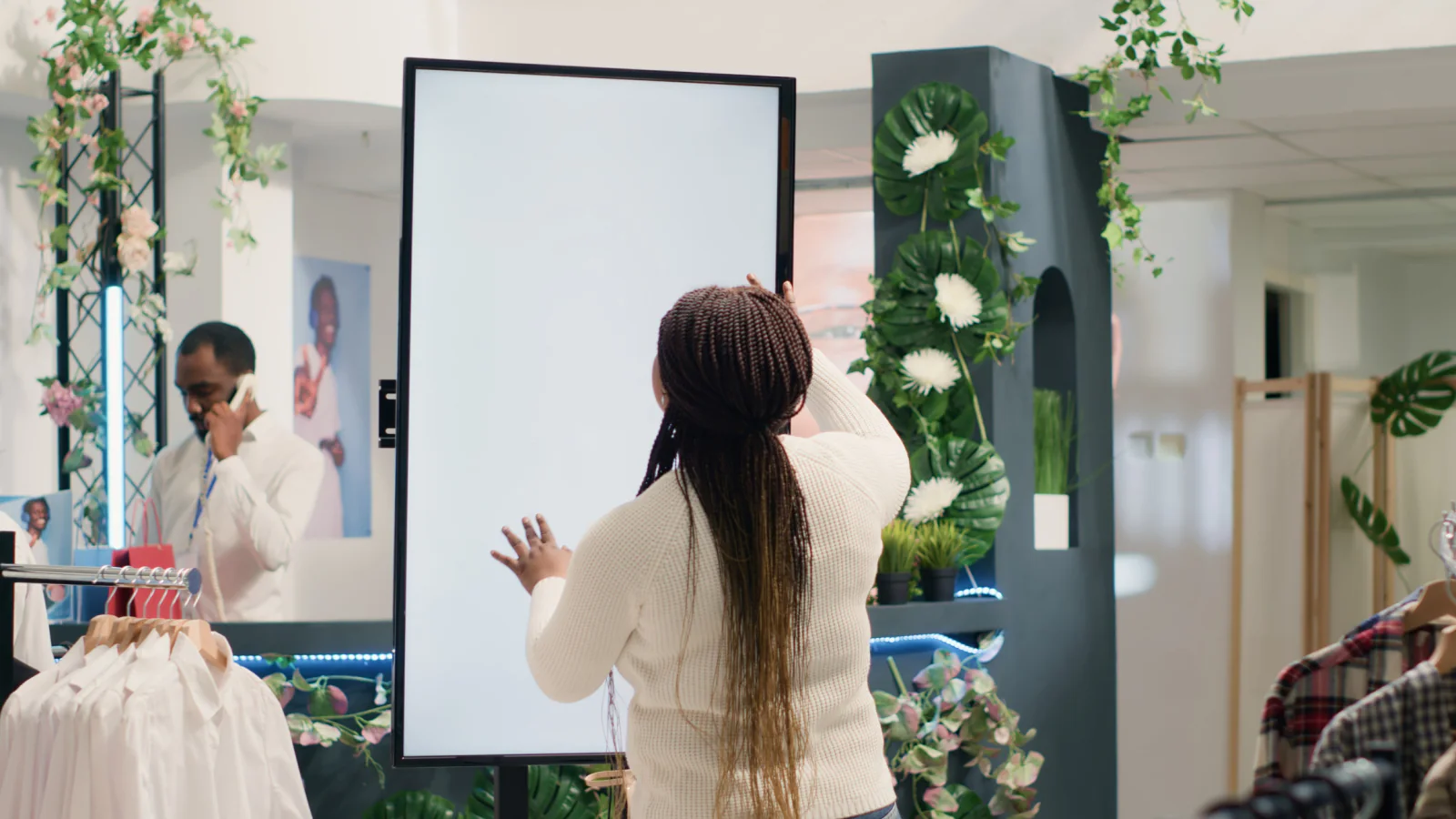
Large Format Touchscreen Displays
Large touchscreen display rentals for collaborative workshops, multi-user interaction, whiteboarding, design reviews, and room-based presentation environments.
Request pricing for this touchscreen option, or add it to a multi-item quote request for a larger interactive, event, or AV rental package.
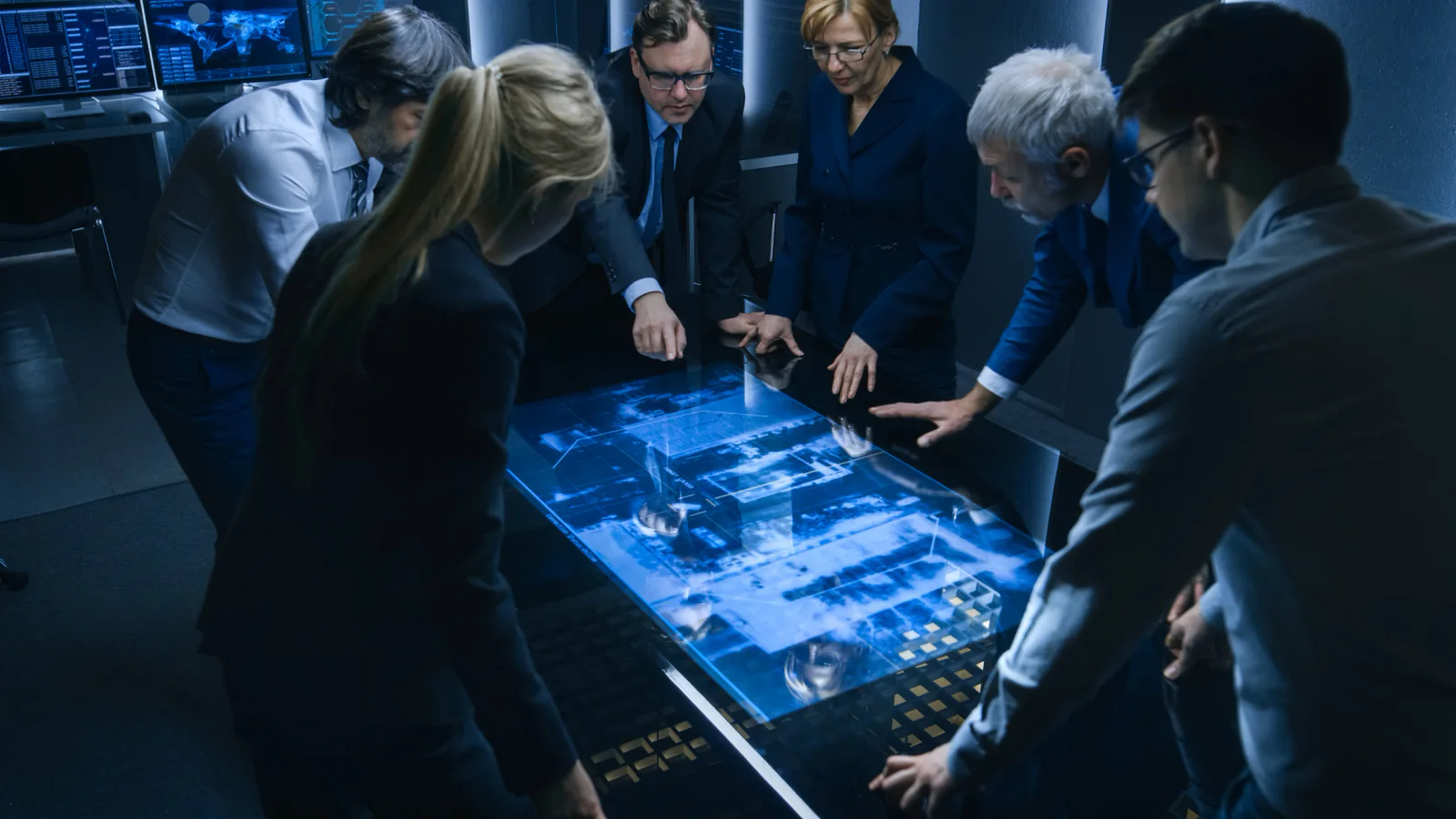
Interactive Touch Tables
Interactive touch table rentals that encourage group exploration of maps, catalogs, simulations, and immersive content in shared environments.
Request pricing for this touchscreen option, or add it to a multi-item quote request for a larger interactive, event, or AV rental package.
Touchscreen planning guidance
How to plan a touchscreen rental package
Touchscreen rentals work best when the user action, content source, screen format, placement, application workflow, and support equipment are planned together.
Start With the User Action
Registration, wayfinding, lead capture, product exploration, collaboration, and touch-table experiences all require different screen formats and user flows. Define what the user should do before choosing hardware.
Plan the Content Source and App Workflow
Touchscreen rentals often need a PC, laptop, media player, browser-based app, kiosk software, local content, or internet connection. Confirm the application workflow before setup day.
Match Placement to Traffic Flow
A touchscreen kiosk at registration serves a different purpose than a large collaboration display in a meeting room or a touch table in a sponsor activation. Placement should match the way people move through the space.
Touchscreen rental use cases
How organizations use touchscreen rentals
Touchscreen rentals support registration, wayfinding, collaboration, product storytelling, lead capture, interactive demos, and experiential engagement.
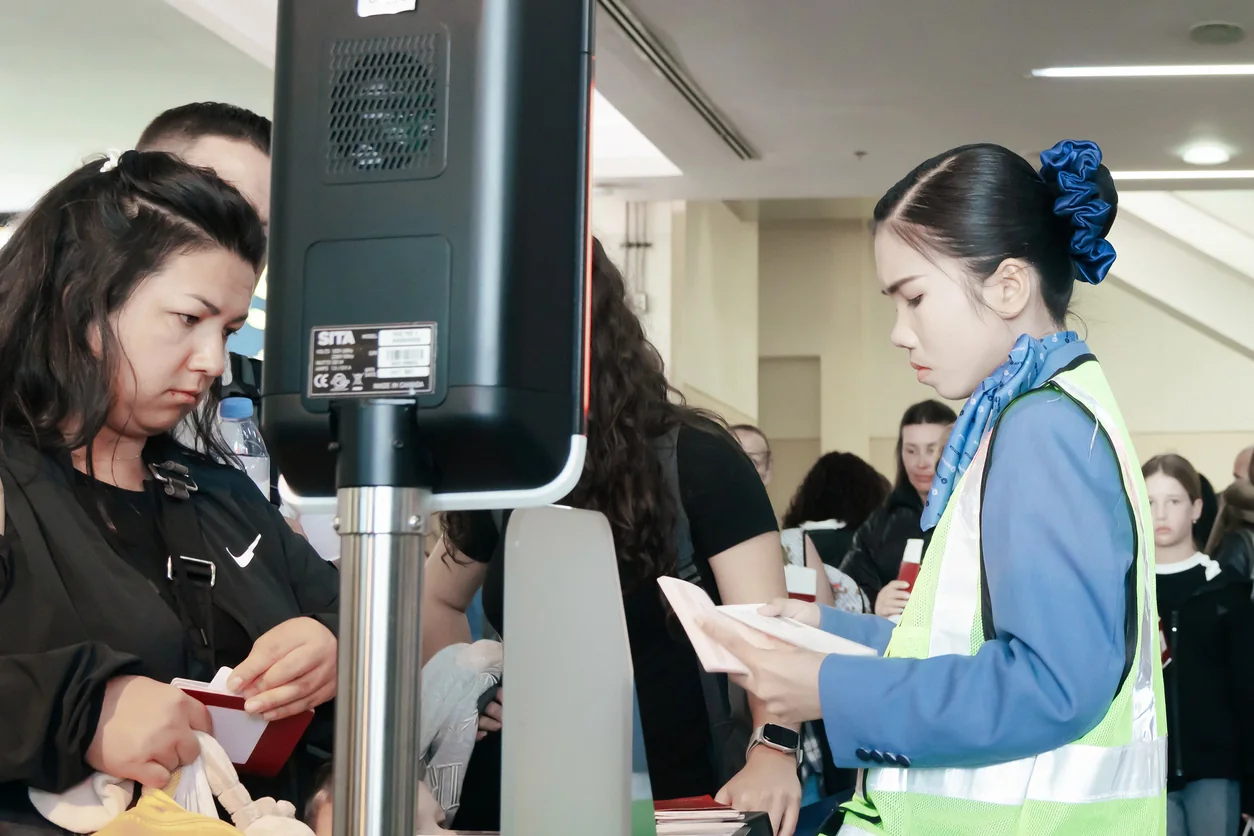
Lead Capture & Registration
Replace clipboards and paper forms with touchscreen stations that support check-in, surveys, registration, lead capture, and attendee data collection.

Wayfinding & Interactive Maps
Help attendees navigate complex venues using interactive maps, searchable schedules, room directories, and point-to-point directions on touchscreens.
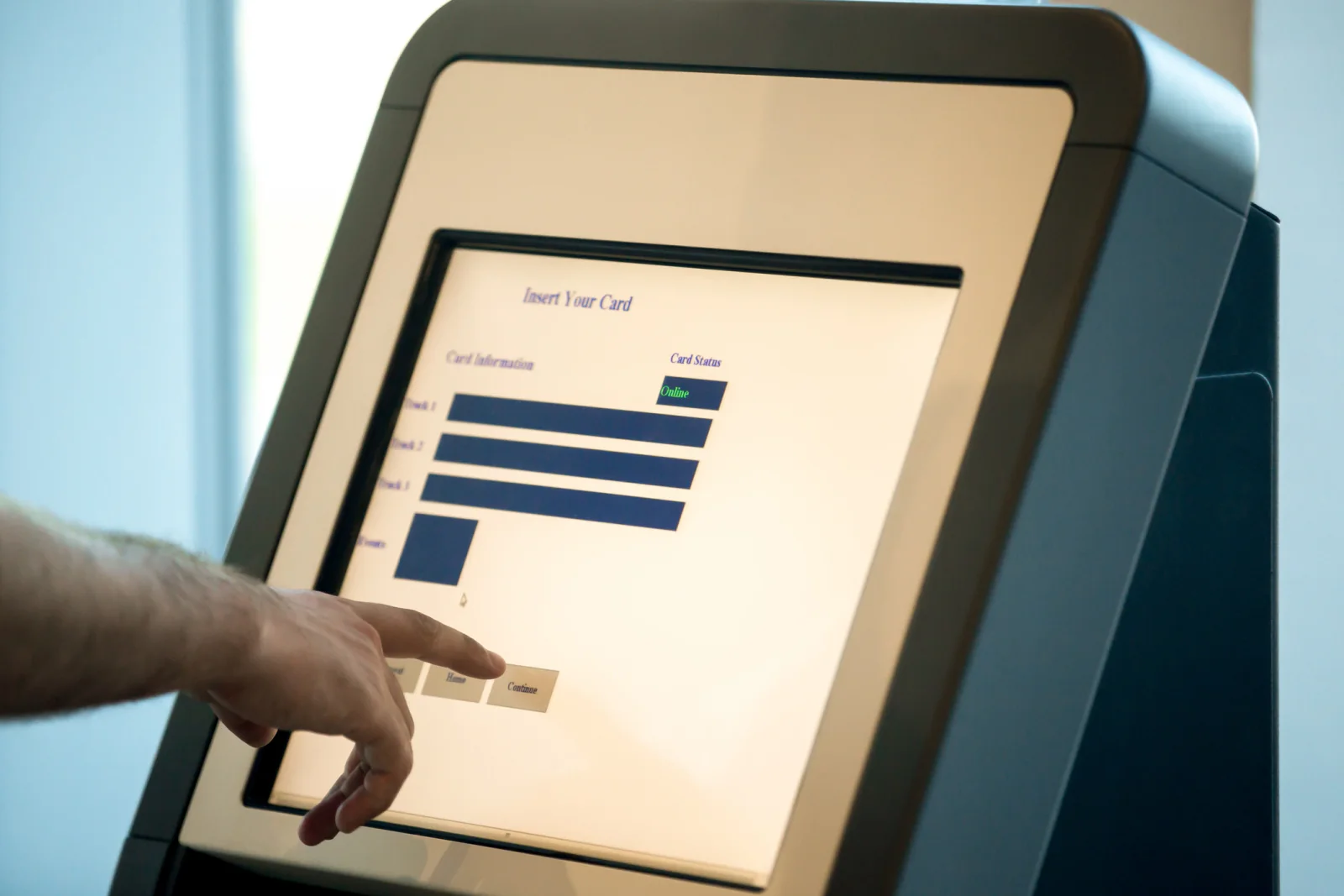
Experiential & Product Exploration
Let visitors explore products, compare options, view interactive content, and engage with your brand at their own pace using touch-enabled displays.
Nationwide touchscreen support
Touchscreen rentals nationwide for events, registration, collaboration and interactive experiences
Rentacomputer.com supports touchscreen rental projects throughout the United States for events, conferences, temporary venues, registration areas, collaboration rooms, show floors, and business engagement environments.
Organizations rent touchscreens when a project creates short-term interactive needs that static displays or existing room hardware cannot fully support. That may mean a registration kiosk in Las Vegas, a wayfinding station in Chicago, a collaboration room in New York, a product exploration display in Orlando, or a multi-touch experiential deployment spread across several event zones.
Touchscreen rentals are especially valuable when teams need more than one screen with a tap interface. Many deployments also involve laptops, PCs, displays, signage, sound support, and camera gear so the full interactive environment feels more complete, easier to use, and better aligned with the event experience.
Touchscreen rental projects also support industries such as Financial Services, Healthcare, Government, Educational Services, Enterprise, and Legal.
Deployment support
Services that support touchscreen deployments
Touchscreen rentals often involve setup and coordination to support interactive applications, kiosks, wayfinding, and user engagement workflows.
Event Production Services
Support for interactive station planning, user flow, and coordinated execution across events, exhibits, and temporary environments.
On-Site IT Support
Setup and troubleshooting for touchscreen hardware, kiosks, connected devices, apps, and temporary user-facing workflows during deployment.
Touchscreen rental FAQ
Frequently asked questions about touchscreen rentals
Here are a few common questions teams ask when planning touchscreen rentals for registration, collaboration, lead capture, wayfinding, and interactive event use.
What types of touchscreen displays can I rent?
You can rent freestanding touchscreen kiosks, large format touch displays, and interactive touch tables depending on whether you need self-service interaction, collaboration, or immersive content engagement.
Can touchscreens be used for lead capture and registration?
Yes. Touchscreen rentals are commonly used for event registration, lead capture, attendee check-in, surveys, and other interactive data collection workflows.
Do you offer Microsoft Surface Hub alternatives?
Yes. While availability may vary, we can recommend collaboration-oriented touch displays and supporting room equipment that provide similar whiteboarding and conferencing functionality.
Can touchscreen rentals be bundled with other equipment?
Yes. Touchscreen rentals are often paired with laptops, PCs, displays, sound systems, cameras, and supporting AV gear depending on the use case.
Why Rentacomputer.com for touchscreen rentals?
Plan touchscreen rentals around the user experience, content, placement, application workflow, and supporting technology.
- Short-term touchscreen rentals for registration, lead capture, wayfinding, workshops, product exploration, and experiential event environments
- Freestanding kiosks, large touch displays, and interactive touch tables for real-world interactive use cases
- Quote-cart support for multi-item rental planning plus direct quote paths for consultative touchscreen rental support
- Related rental categories for displays, digital signage, laptops, monitors, sound systems, camera support, and onsite IT support
- Nationwide coordination for hotels, campuses, conference venues, event halls, show floors, and temporary business environments
Browse rental categories
Back to Products · Rentals hub
Related rentals
Ready to price a rental?
Tell us quantities, dates, and delivery location — we’ll respond with a business-ready quote.