
Device Configuration & Readiness Support
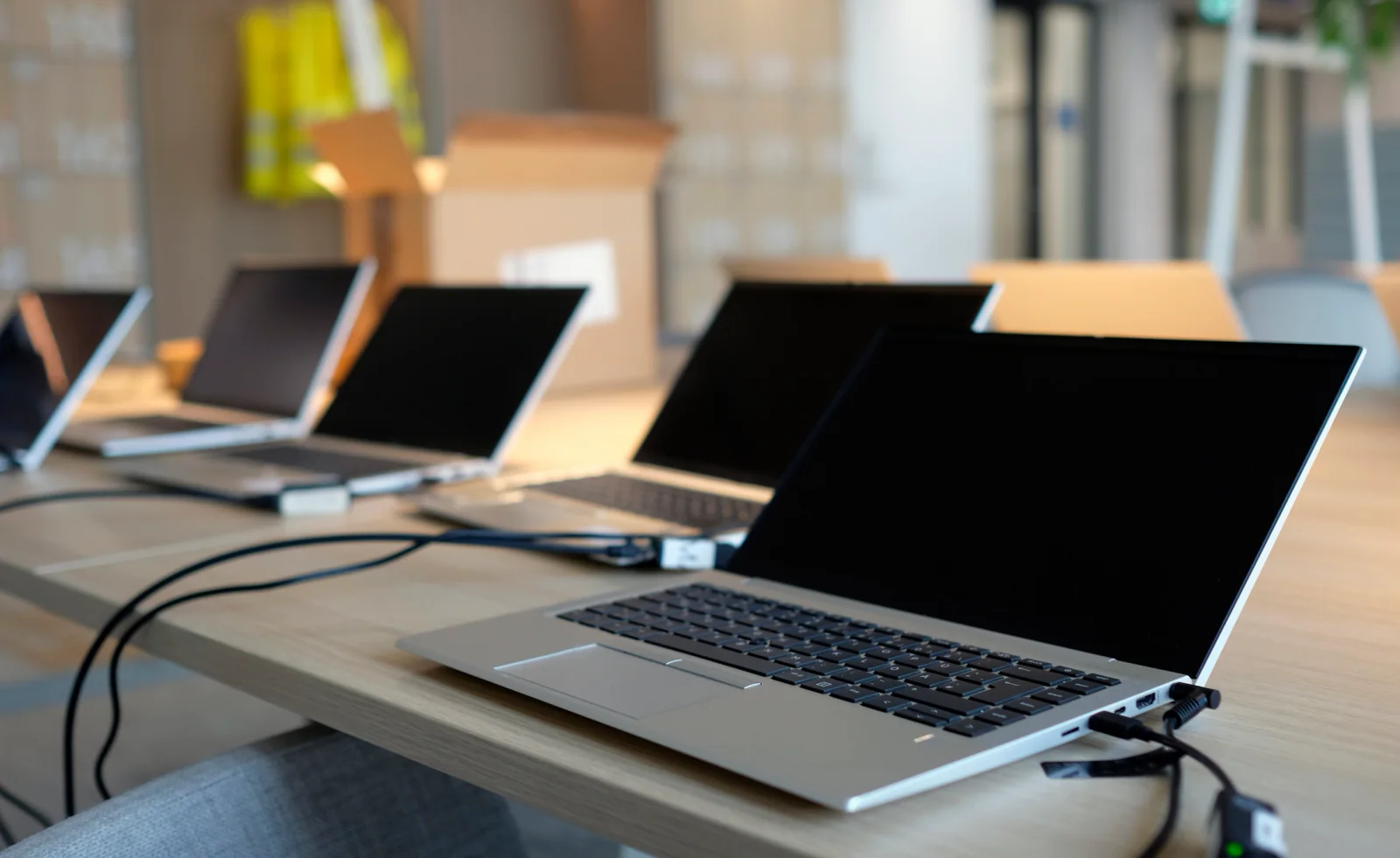
Standardize device readiness so laptops and workstations behave more consistently from the moment users receive them.
Configuration planning & standardized device readiness
Rent short-term technology and support software-readiness workflows for training programs, onboarding cohorts, certification environments, classroom deployments, temporary offices, event programs, and multi-location rollouts. Rentacomputer.com helps teams plan configuration, application readiness, standardized baselines, validation steps, spare-device workflows, and nationwide logistics so users receive a more consistent device experience from day one.
Built for consistent user experiences
Software readiness is often where a technology deployment becomes either consistent or difficult. A project may appear to need only a fleet of laptops, but what actually matters is whether each device launches with the same applications, settings, permissions, browser readiness, shortcuts, access expectations, and user workflow.
Rentacomputer.com helps teams scale quickly with rental laptops, desktops, tablets, monitors, accessories, and connectivity that can be staged around a more consistent software baseline. That gives trainers, IT contacts, program managers, classroom leads, event teams, and operations stakeholders a practical way to reduce preventable setup problems before the program begins.
We support organizations nationwide, whether you are preparing a classroom training fleet, standardizing certification devices, onboarding a temporary workforce, staging devices for a multi-location program, or building a software-ready environment where replacement devices need to behave like the original units.

Plan applications, settings, workflows, access needs, browser readiness, validation steps and user expectations before devices ship or arrive onsite.
Stage devices, confirm practical usability, review known dependencies, and plan spares so classes, exams, events and onboarding waves start cleaner.
Support repeatable configurations across training rooms, classrooms, events, temporary offices and multi-location deployment programs.
Support larger device programs with more consistent baselines, fewer repeated configuration tasks and cleaner user handoff.
Keep learners, candidates, instructors and temporary users working from a more consistent device experience.
Coordinate staged configurations, spare planning and logistics across offices, classrooms, venues and distributed operating environments.
Need configuration planning, application readiness, validation steps or standardized device baselines?
We can help scope laptops, desktops, tablets, monitors, wireless, accessories, spare devices, staging workflows and validation steps around the way your users actually need to work.
Software-readiness packages
Start with the software-readiness scenario that best matches your users, program, schedule and deployment footprint. We'll tailor configuration planning, staging support, device types, accessories, validation and logistics around the way the program actually needs to run.
Standardize device readiness so laptops and workstations behave more consistently from the moment users receive them.
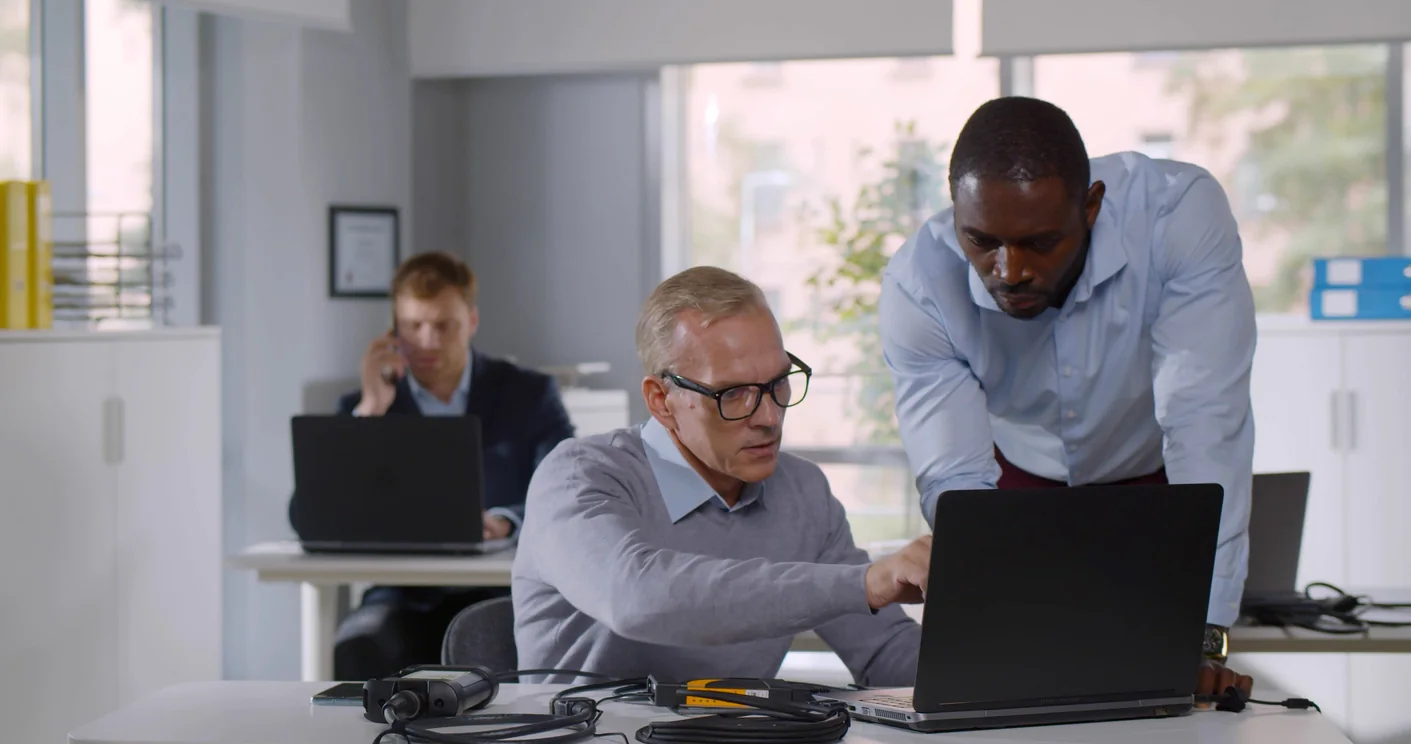
Prepare devices for the applications, settings, and workflow dependencies your users need before the program begins.
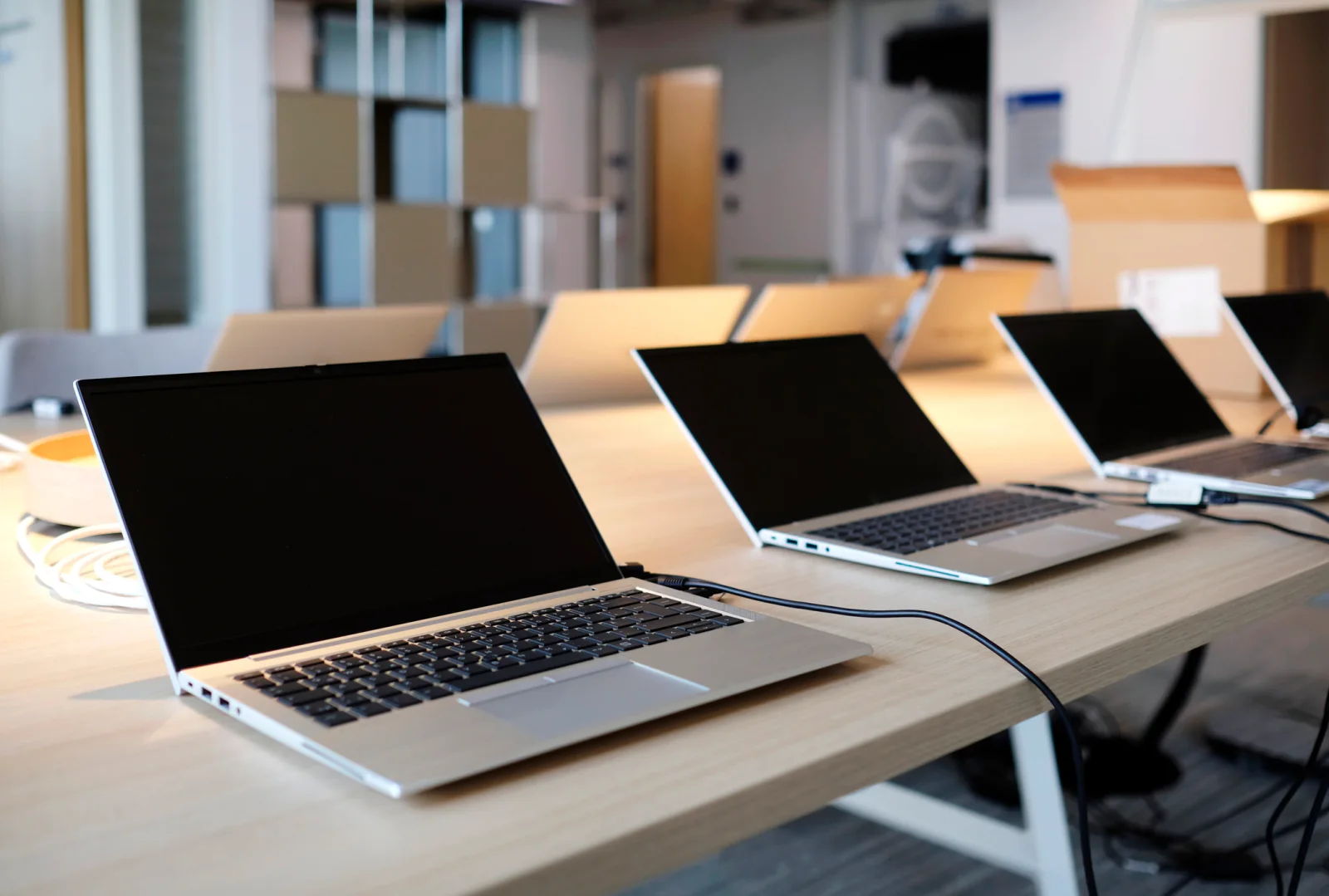
Create more repeatable configurations across fleets so users in different rooms, cohorts, or locations receive a more consistent experience.
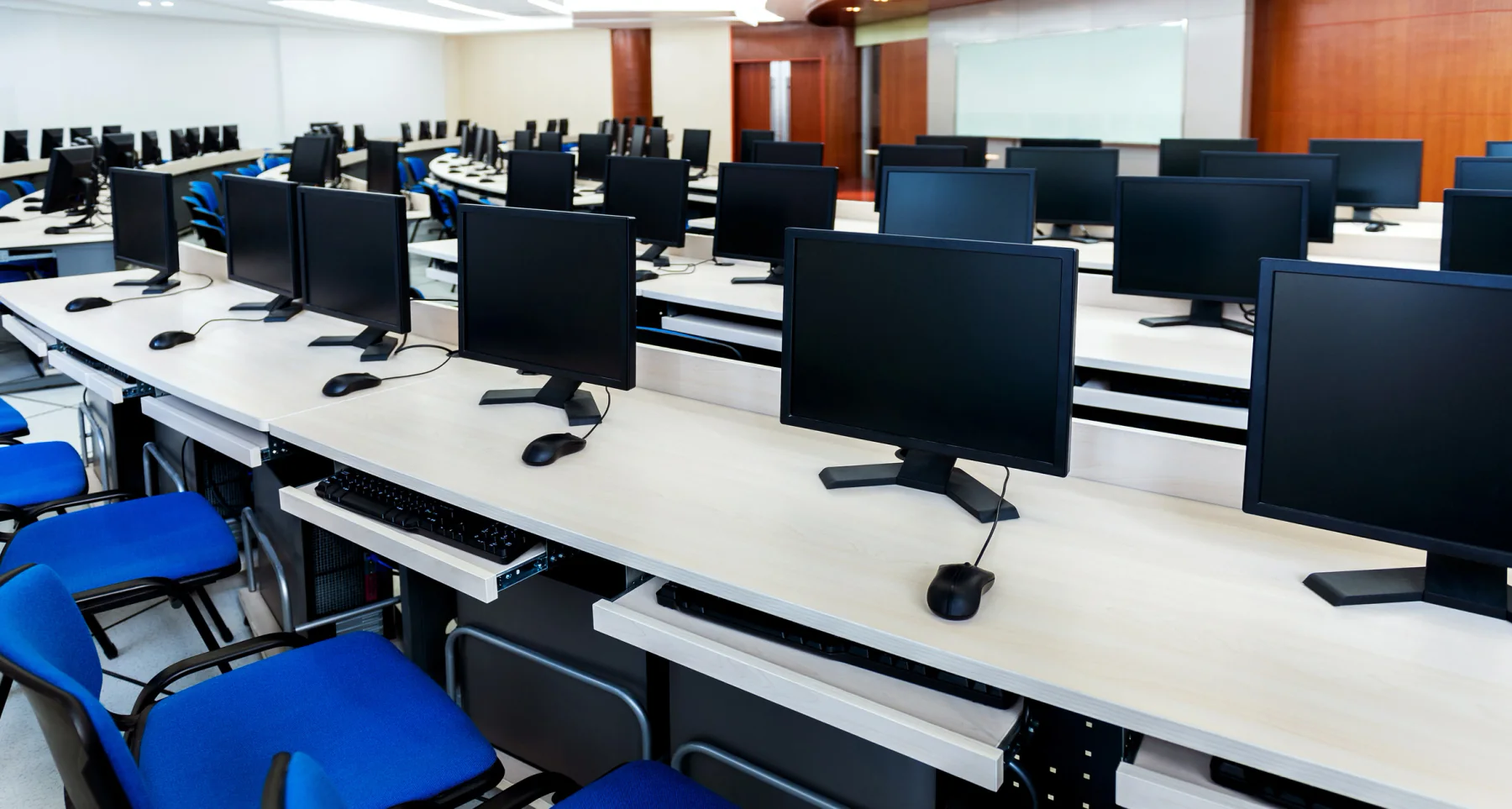
Reduce user friction by keeping settings, software, and device behavior more uniform across learners, candidates, and sessions.
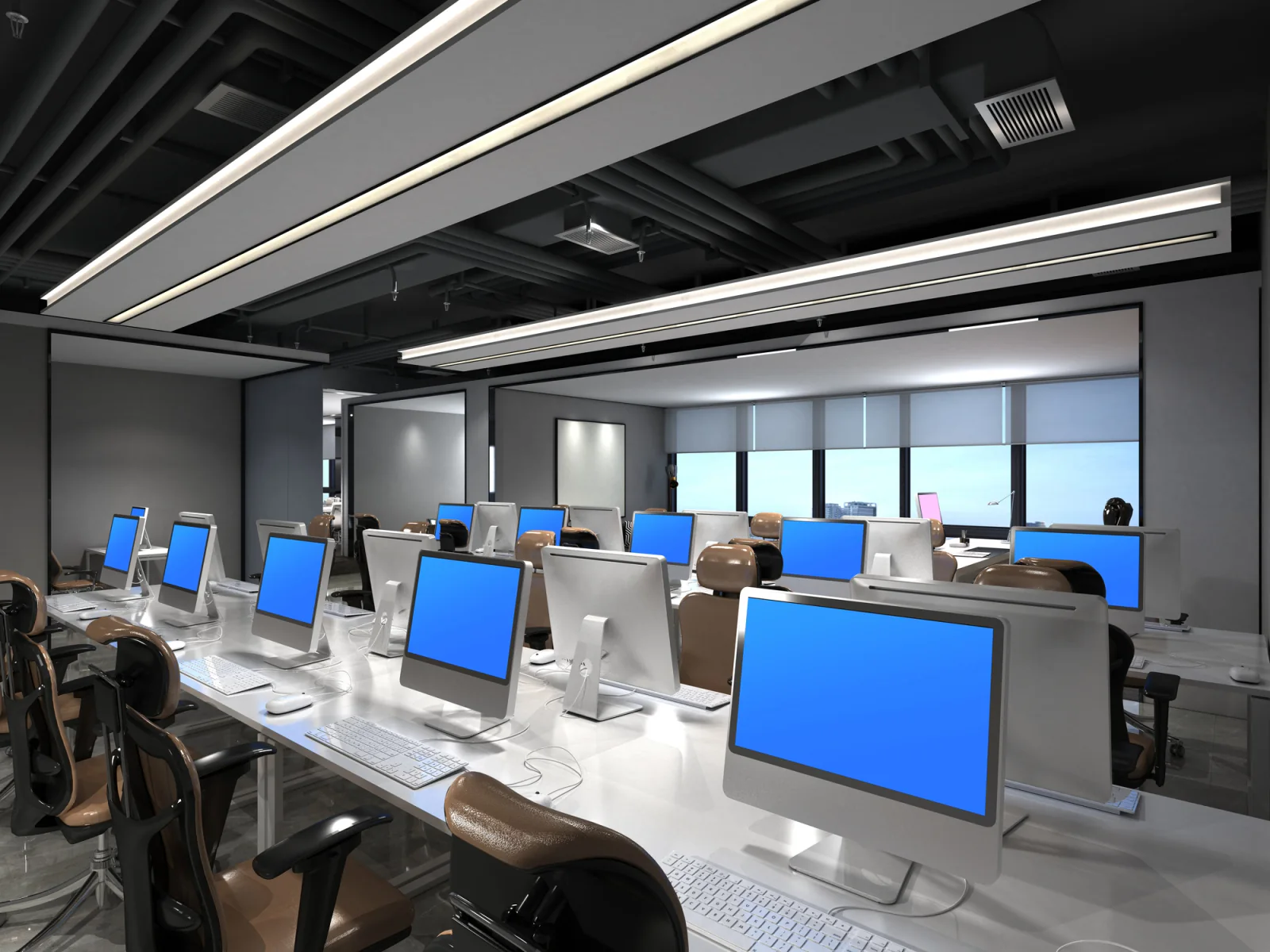
Keep device configurations more consistent across offices, classrooms, sites, and temporary environments where teams need repeatable results.
Reduce preventable disruptions by planning spares, replacement workflows, and validation steps before users start working.
Software-readiness deployment workflow
Software services work best when the device list, configuration baseline, application needs, validation steps, user workflows and replacement plan are connected before equipment reaches the field.
Start with the dates, device counts, user roles, required applications, settings, access requirements, classroom or program workflows, security constraints, and what every user should experience when the device turns on.
Build the right mix of laptops, desktops, tablets, monitors, wireless, chargers, adapters, accessories, spare devices, and validation steps around a repeatable software-readiness baseline.
Align staging, validation, delivery, site timing, support windows, replacement paths, and return logistics around training starts, exam windows, onboarding waves, events, and multi-location rollout schedules.
Software-ready rental equipment
Build out more consistent short-term deployments with the rental equipment and support gear software-readiness teams request most often.
Use rental laptops when users need a more controlled, repeatable software experience across a program or deployment window.
Support users who need fixed-location devices with consistent software, settings, and application behavior during short-term projects.
Support software-driven experiences where lightweight devices, guided apps, or simplified user flows matter more than full workstations.
Round out standardized user environments with the monitors and accessories needed to keep setups complete and more predictable.
Add practical connectivity support when software-driven programs rely on appropriate access across temporary or distributed environments.
Reduce avoidable user support issues by including the practical accessories a standardized deployment actually needs.
Software services use cases
See how organizations use short-term rental technology and software-readiness support for classroom programs, certification labs, temporary operations, standardized fleets, and distributed deployment windows.

Organizations use software services to give every learner or new hire a more consistent starting point, with the same apps, settings, and general device behavior.

Testing programs benefit from more repeatable device setups that reduce last-minute surprises and make support simpler during active sessions.

Distributed deployments use shared software baselines so teams in different sites receive a more consistent user experience.

Temporary environments often need more than hardware alone. Consistent software readiness helps users work faster from the first day.

Short-term programs often rely on staging and provisioning to reduce confusion when several users rotate through shared or repeatable device workflows.
Teams use standardized spares and validated configurations so a device swap does not force users into a different experience halfway through the program.
Nationwide software-readiness support
Rentacomputer.com supports software-readiness and device preparation needs throughout the United States, including training programs, onboarding cohorts, certification environments, temporary offices, classroom deployments, event programs, distributed rollouts, and short-term business initiatives where configuration consistency matters.
Standardized preparation helps teams reduce repeat problems before users ever touch the devices. A project may appear to need only laptops, but what actually matters is whether every unit launches with the same software, settings, access expectations, and general user experience. If one class, one site, or one replacement device behaves differently, the support burden rises immediately.
That is where short-term software-readiness support and rental technology become practical together. Instead of asking internal teams to configure every device manually under time pressure, organizations can rent the laptops, desktops, tablets, monitors, accessories, and connectivity they need while also planning for configuration, application setup, validation, baseline consistency, and replacement continuity.
Our team helps translate user requirements into workable staging plans. We work with trainers, IT contacts, program managers, classroom leads, operations stakeholders, and deployment teams to determine what is needed for software baselines, application readiness, classroom consistency, spare-device support, and site-by-site rollout timing. That includes aligning delivery and pickup around training starts, event schedules, office timelines, exam windows, and day-one readiness needs.
Software services often overlap with on-site IT services, training and development support, IT leadership support, procurement and purchasing support, and laptop rentals. One rental partner that understands both configuration consistency and short-term deployment logistics makes it easier to support those overlapping needs with less friction.
Whether you need training laptops in Chicago, certification devices in Dallas, standardized classroom kits in Atlanta, temporary office baselines in Phoenix, multi-site rollout fleets in New York, or replacement-ready spares in Los Angeles, Rentacomputer.com helps teams deploy software-ready technology quickly and consistently nationwide.
Why companies rely on Rentacomputer.com
Practical support for classroom programs, exams, onboarding waves, temporary operations, and short-term deployment windows where device consistency matters to every user.
Start with a few common categories, then request a quote and we’ll confirm the exact configuration for your dates and requirements.
Configured systems for software deployment and training.
Field applications and mobile workflows.
Connectivity during rollout and onboarding.
Browse the full catalog, or request a quote and we’ll recommend the right mix for your service needs.
Software services FAQs
Quick answers about configuration planning, software readiness, standardized baselines, and deployment planning.
We can support standardized device-preparation and readiness workflows depending on device types, application requirements, licensing, user permissions, and project scope.
Yes. Many customers use software services to ensure every device is consistent for training, onboarding, workshops, exams, certifications, and other standardized user experiences where day-one reliability matters.
In many cases, yes. Tell us what apps, settings, access requirements, and workflow dependencies you need and we’ll recommend a practical approach for staging and validation.
Yes. We coordinate logistics nationwide and can stage consistent configurations for multi-site deployments, distributed programs, temporary operations, and short-term technology rollouts.
Standardized device preparation adds the most value when users rotate through devices, when internal teams do not have time to prepare every unit manually, or when consistency matters across classrooms, events, exams, or large deployments.
Yes. Standardized rental fleets are often used for training cohorts, onboarding groups, event teams, and multi-location deployments where devices need to behave the same way from one user to the next.
Ready to scope the software-readiness support plan?
Support short-term technology programs with rental equipment and coordinated logistics built for consistency, cleaner staging, and more consistent user experiences.