
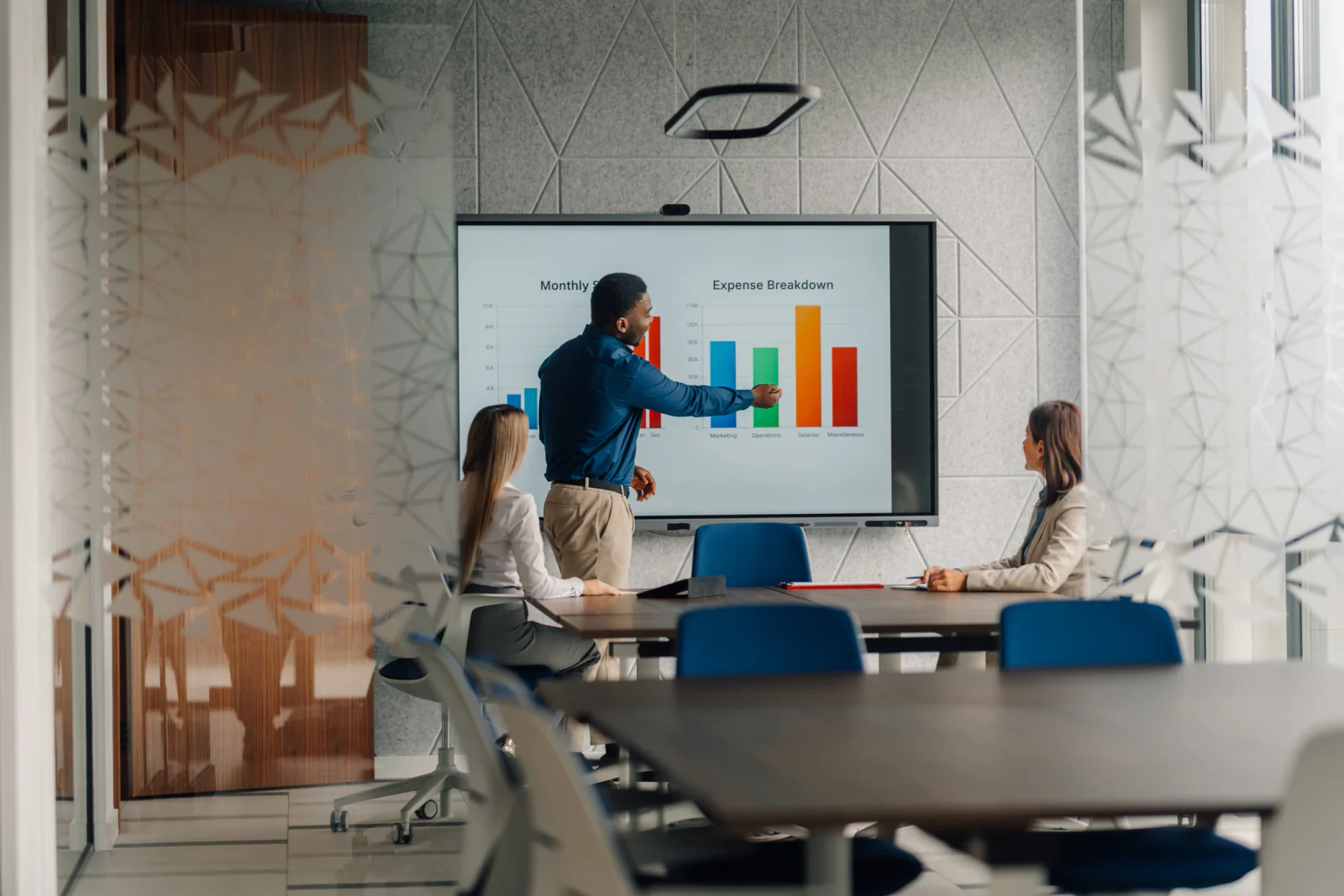
Room Plan & Presentation Equipment Recommendations
Match screens, projectors, display size, audio support, and presentation workflows to the room you are actually using instead of guessing from a generic template.
Presentation planning, presenter readiness & room-fit support
Rent short-term technology and plan better presentation workflows for conferences, meetings, training rooms, boardrooms, keynote environments, breakout sessions, and multi-room event programs. Rentacomputer.com helps teams coordinate displays, projectors, presenter laptops, confidence monitors, adapters, cables, support accessories, backup workflows, and room-readiness planning nationwide, including hotels, conference centers, classrooms, offices, meeting venues, and temporary presentation spaces across the United States.
Built for rooms where the presentation has to work
Presentation problems are rarely caused by the slides themselves. More often, the room and workflow were never matched properly. A presentation can fail because the audience is too far from the screen, the input path is fragile, the presenter laptop is incompatible with the room, or there is no defined recovery plan when the setup changes at the last minute.
Rentacomputer.com helps teams scale quickly with rented displays, projectors, presenter laptops, support screens, adapters, cables, accessories, and temporary connectivity that can support a specific meeting, training session, conference room, keynote, or multi-room event schedule. That gives event teams, trainers, presenters, meeting planners, and operations contacts a more practical way to keep sessions moving.
We support presentation environments nationwide, whether you need breakout-room displays, keynote support equipment, presenter laptops, training-room presentation gear, backup adapter kits, or multi-room session consistency across a full event program.

Plan screen size, viewing distance, seating layout, audience count, content type and room conditions before choosing the presentation setup.
Stage presenter laptops, adapters, cables, remotes, input paths and practical backup playback options before the session starts.
Standardize presentation kits across boardrooms, breakouts, classrooms, keynotes, training rooms and multi-track event schedules.
Match display size, projection needs, room layout, audience distance, content type and presenter workflow to the actual space.
Reduce avoidable session delays with known-good devices, adapters, cables, backup playback workflows and clearer support planning.
Coordinate presentation-ready technology quickly for boardrooms, breakouts, keynotes, training spaces and multi-room events across the country.
Need to support a boardroom, breakout, training room, keynote, customer presentation or multi-room event?
We can help scope displays, projectors, presenter laptops, confidence monitors, adapters, cables, support screens, wireless, accessories and backup workflows around the way your presentation actually needs to run.
Presentation support packages
Start with the presentation scenario that best matches your room, audience, content and timing. We'll tailor equipment recommendations, accessories, support gear and backup thinking to the way your presentation actually needs to run.
Match screens, projectors, display size, audio support, and presentation workflows to the room you are actually using instead of guessing from a generic template.
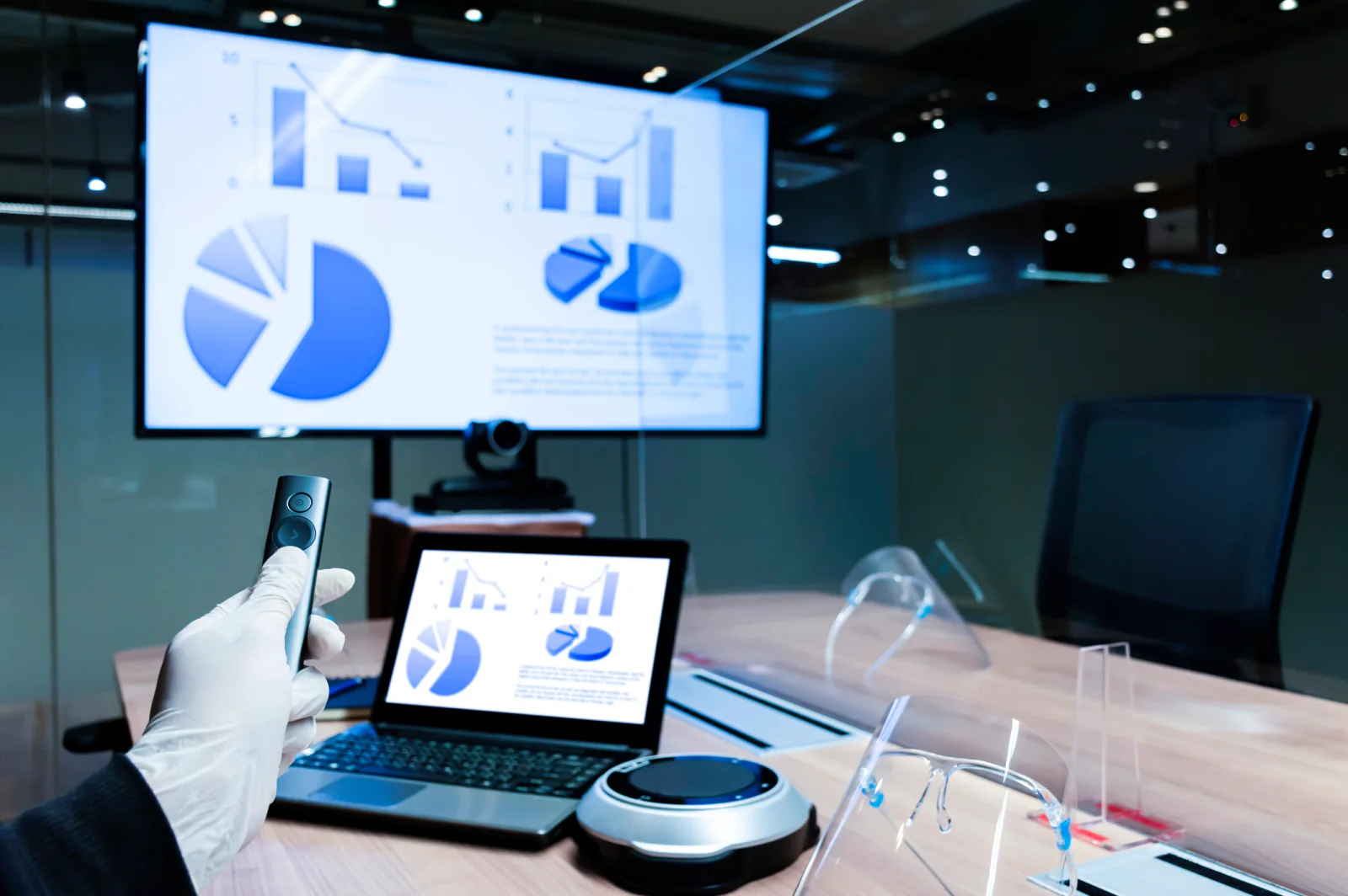
Reduce presenter surprises with clearer connection planning, adapter support, backup playback options, and a more coordinated session workflow.
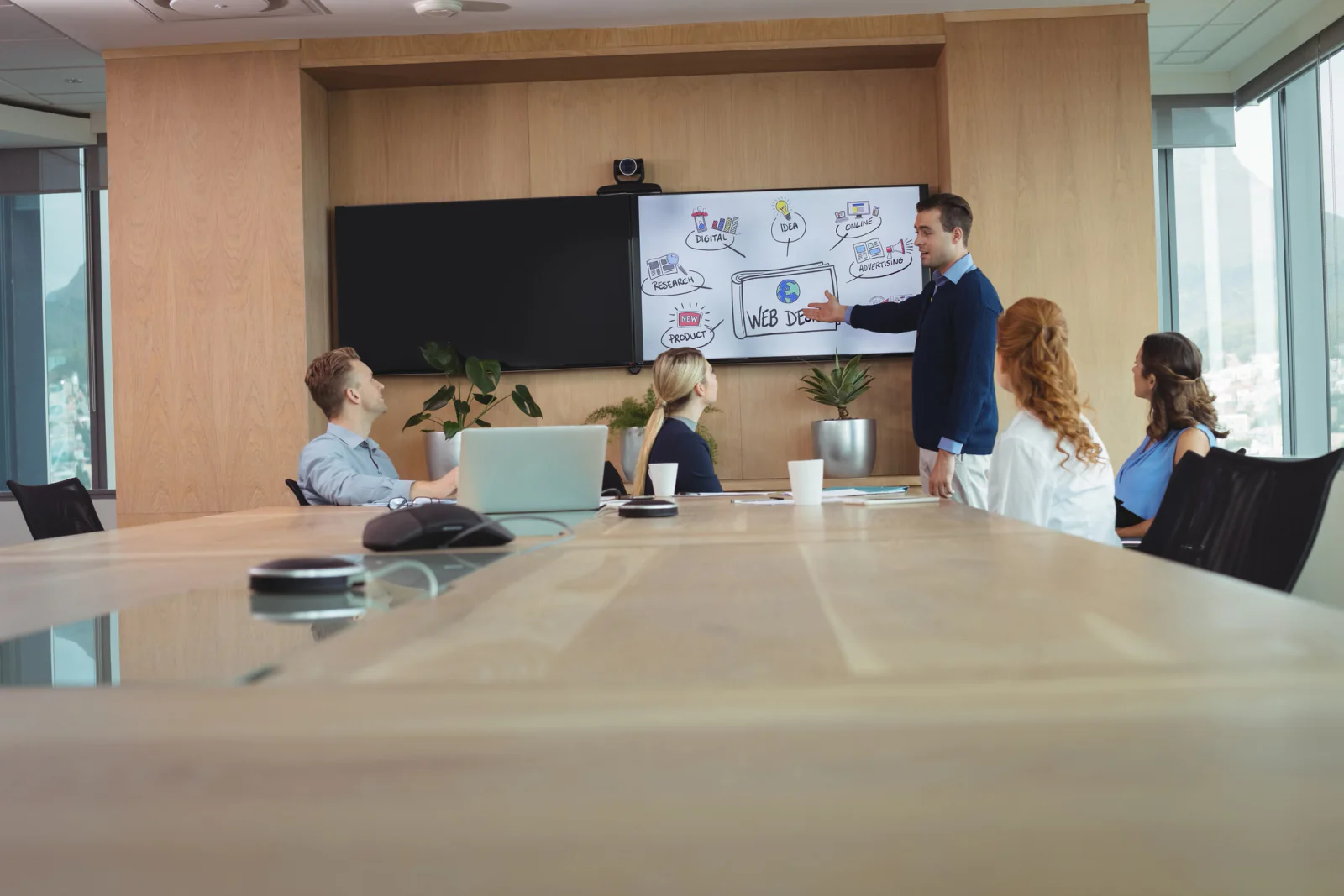
Support sessions with practical readiness aligned to room schedules, venue rules, and the real timing pressure of live meetings and events.

Create simple, well-planned presentation setups for smaller rooms where the goal is clarity, smooth starts, and fewer avoidable delays.

Scale visibility and presentation support for larger audiences with room-aware display recommendations, presenter-readiness planning, and practical fallback paths.

Keep presentation workflows more consistent across several rooms so speakers, support staff, and attendees are not dealing with different setups all day.
Presentation deployment workflow
Presentation services work best when display visibility, input paths, adapters, presenter devices, support screens, room access and fallback options are planned together before the session begins.
Start with room size, seating layout, audience count, content type, presenter count, display visibility, venue rules, room access timing, and the sessions where a presentation problem would create the most disruption.
Build the right mix of projectors, displays, laptops, confidence monitors, cables, adapters, wireless, support accessories and backup devices around how the room and presenters will actually work.
Align delivery, setup planning, input validation, backup workflows, presenter readiness, support windows and pickup around room access, agenda timing, rehearsals, training schedules and live event execution.
Presentation rental equipment
Build out presentation environments with the rental equipment and support gear presenters, event teams and training programs request most often.
Use room-fit visual equipment that gives attendees a better chance of actually seeing the content without overbuilding the setup.
Support live presentations with presenter devices and backup paths that reduce the impact of last-minute device changes.
Add visibility for presenters, support staff, and side-stage teams in sessions where timing and flow matter more than guesswork.
Reduce one of the most common causes of presentation delays by staging the adapters, cables, and accessories the room and presenters actually need.
Add practical connectivity support where uploads, playback, remote materials, or temporary rooms need additional internet access options.
Round out presentation environments with the practical support gear needed to keep session flow cleaner and better supported.
Presentation use cases
See how organizations use short-term rental technology and planning support for boardrooms, breakout sessions, keynotes, classroom presentations and multi-room event programs.

Smaller rooms often benefit most from getting the basics right: room-fit displays, known-good input paths, and a cleaner presenter workflow.

Larger rooms need better thinking around visibility, backup inputs, and presenter confidence so the session does not depend on one fragile connection path.

Training environments often need presentation support that keeps instructors moving while making it easier for attendees to follow the content.
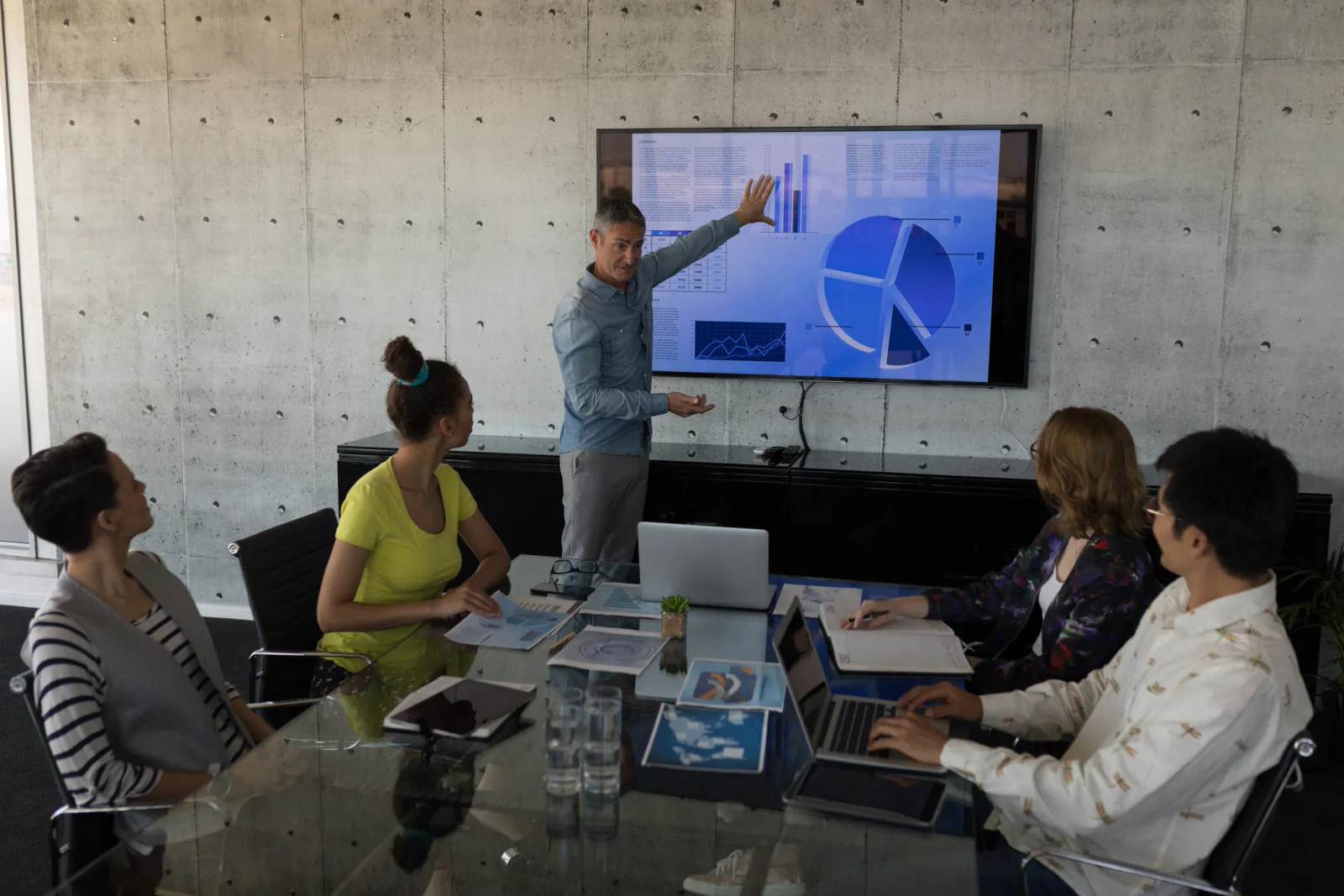
High-visibility business presentations often require cleaner room support, fewer surprises, and a more polished path for presenters and attendees.

Conference teams use presentation support to create more repeatable room setups across several sessions, speakers, and schedules.
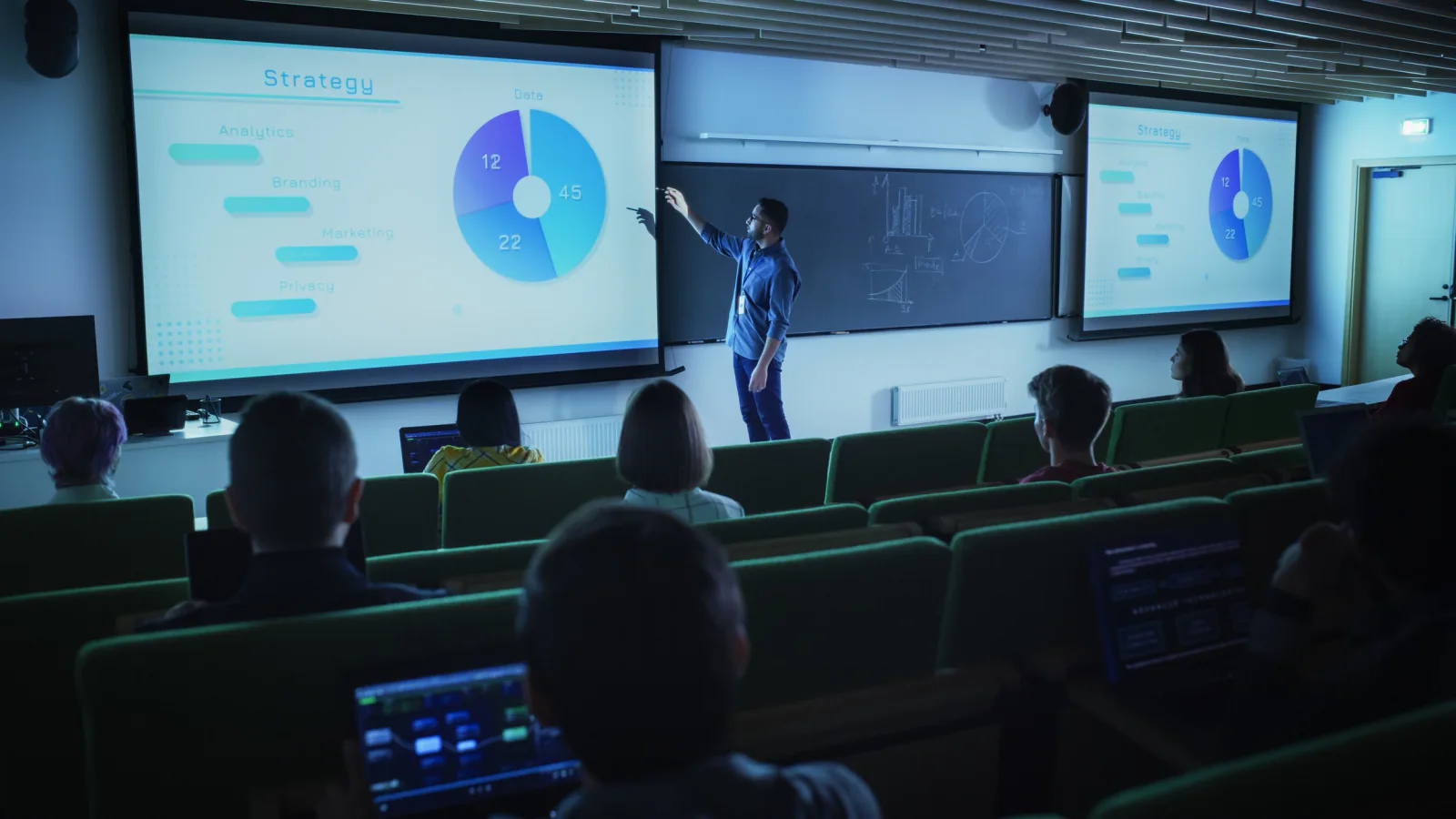
A practical contingency plan can keep a session on track when a presenter arrives late, changes devices, or runs into input problems right before start time.
Nationwide presentation support
Rentacomputer.com supports presentations, meetings, training sessions, keynote environments, boardrooms, breakout rooms, conference tracks and customer-facing business events throughout the United States, including hotels, conference centers, classrooms, boardrooms, corporate offices, meeting venues and temporary presentation spaces.
Presentation problems are rarely caused by the slides themselves. More often, the room and the workflow were never matched properly. A presentation can fail because the audience is too far from the screen, the input path is fragile, the presenter laptop is incompatible with the room, or there is no defined recovery plan when the live setup changes at the last minute. That is why presentation support is really about readiness, not just equipment.
That is where short-term presentation rentals and planning services become practical together. Instead of guessing at screen size, overloading the room with the wrong gear, or expecting presenters to solve connection problems on their own, teams can rent the displays, projectors, presenter laptops, support screens, adapters, cables and connectivity they need for a specific meeting, training or event. This gives organizers a way to match the presentation setup to the room while keeping execution more controlled.
Our team helps translate presentation goals into workable room-ready plans. We work with meeting planners, event teams, presenters, trainers, operations contacts and business stakeholders to determine what is needed for room visibility, presenter flow, display sizing, backup-device support, session timing and contingency planning. That includes coordinating delivery and pickup around venue rules, room access windows, training schedules and event agendas.
Presentation services often overlap with event production support, on-site IT services, training and development support, event support workflows, and audio visual rentals. One rental partner that understands both room-readiness planning and short-term presentation support makes it easier to coordinate those overlapping needs with less friction.
Whether you need breakout-room displays in Chicago, keynote support equipment in Las Vegas, presenter laptops in Atlanta, training-room presentation gear in Dallas, backup adapter kits in New York, or multi-room session support in Orlando, Rentacomputer.com helps teams deploy presentation technology with coordinated planning nationwide nationwide.
Why companies rely on Rentacomputer.com
Practical support for rooms where visibility, presenter readiness, adapter planning and fallback paths matter.
Start with a few common categories, then request a quote and we’ll confirm the exact configuration for your dates and requirements.
Projectors, displays, microphones, and sound.
Presenter machines and show control stations.
Temporary internet for presenters and staff.
Browse the full catalog, or request a quote and we’ll recommend the right mix for your service needs.
Presentation services FAQs
Quick answers about room recommendations, projectors, displays, adapters, cables, backup plans and nationwide presentation support.
Yes. Share your room size, seating style, audience count, content type, and schedule, and we’ll recommend a practical presentation setup designed for visibility, room fit, and smoother presenter execution.
Yes. Visit our Audio Visual rentals page for equipment options, and use presentation services when you need planning, room-fit recommendations, presenter readiness, and support for more coordinated execution.
We can plan for the adapters, cables, and connection paths your presenters and room setup actually need so you are not scrambling onsite when the session is about to begin.
Yes. We coordinate presentation logistics nationwide and can align delivery, setup planning, and readiness around venue schedules, room access windows, and event timing.
Yes. Many presentation support plans include a practical fallback path, such as a house laptop option, backup adapters, alternate input workflows, and a simpler transfer plan for last-minute changes.
Yes. We support breakout rooms, boardrooms, training rooms, general sessions, keynote environments, and multi-room programs where consistent presentation readiness matters.
Ready to scope the presentation support plan?
Support live sessions with dependable rental technology and coordinated logistics built for visibility, presenter confidence and real-world room execution.