
Plan the rental around the class format, number of learners, room layout, instructor needs, software requirements, and support expectations.
Classroom training rental planning
Classroom Training Rentals for Computer Labs, Software Rollouts, Certification Programs & Onboarding
Rent classroom training technology for instructor-led sessions, software training, employee onboarding, certification prep, testing labs, bootcamps, and temporary learning environments. Rentacomputer.com helps teams plan training rentals around seats, devices, software, instructor needs, room layout, internet, printing, setup support, and return logistics.
Classroom ReadyTraining laptops, desktops, monitors, printers, networking, instructor stations, and support planning
- Software training, onboarding, certification prep, bootcamps, and testing labs
- Matched devices, classroom accessories, spare equipment, power, and connectivity
- Setup support, software checks, troubleshooting, pickup, and return logistics
Temporary computer labs and learning environments
Classroom training rentals built around seats, software, instructors, learners, and support timing.
Classroom training rentals are a strong fit when a team needs a consistent hands-on learning environment without buying permanent equipment. That may mean a one-day software class, a multi-week onboarding program, a certification prep lab, a testing room, or a recurring training program across several locations.
The strongest classroom rental plan includes the full room, not just the computers. We help match devices, monitors, accessories, networking, printing, instructor equipment, spares, delivery, setup, support, and return logistics to the actual training plan.

Build the full classroom environment so each seat is ready before attendees, instructors, or test takers arrive.
Coordinate training technology around the schedule so sessions start on time and equipment stays consistent across the program.
Create Consistent Learning Environments
Matched rental devices help every participant follow the same instructions, use the same applications, and reduce classroom troubleshooting.
Add Classroom Capacity Without Buying Hardware
Rent temporary training labs for a specific class, certification program, rollout, location, or learning schedule without permanent device purchases.
Support Real Instructor & Learner Workflows
Plan around instructor stations, attendee seats, monitors, printing, internet, power, software, spares, and live support needs.
Ready to move forward?
Ready to plan technology for your training room or lab?
Tell us the number of seats, class dates, room layout, device type, software requirements, instructor needs, internet requirements, printing needs, and whether you need setup or on-site support.
Plan the right classroom setup
Computer training labs, software rollout classrooms, certification testing rooms, onboarding programs, and temporary learning environments
We provide short-term classroom training rentals for the learning environments teams request most often, including computer labs, software training rooms, certification programs, onboarding sessions, testing labs, bootcamps, partner training, and pop-up classrooms.
Common classroom training rental requests include laptops for each learner, desktops for fixed labs, monitors for dual-screen workflows, printers for classroom administration, hotspots or routers for temporary connectivity, projectors or displays for instructors, and spare devices for quick swaps during live sessions.
Classroom rentals are especially valuable when a training program is short-term but operationally important. Many deployments involve tight setup windows, specific software requirements, attendee login needs, instructor equipment, and support planning that must be ready before the first session begins.
Laptop RentalsComputer RentalsTesting EquipmentPrinter RentalsWireless InternetTraining SupportSoftware TrainingCertification PrepOnboarding LabsPop-Up Classrooms
Workflow Lab
Plan classroom rentals around seats, software, instructor workflow, and live support
A strong classroom rental plan connects the learner stations, instructor equipment, software readiness, connectivity, printing, spare devices, setup timing, troubleshooting, and return logistics.
Define the class format, learners, and software needs
Start with attendee count, session length, class schedule, application requirements, device type, instructor station needs, room layout, internet, and printing.
Match devices, classroom equipment, and support gear
Coordinate laptops, desktops, monitors, keyboards, mice, tablets, printers, networking, power strips, headsets, webcams, carts, and spare devices.
Prepare for setup, live sessions, resets, and return
Plan delivery timing, device setup, software checks, instructor handoff, troubleshooting, room resets, pickup, and end-of-rental return logistics.
Featured classroom solutions
Featured classroom training rental options
These featured paths help teams quickly understand how classroom rentals are commonly planned for testing, onboarding, and recurring training programs.
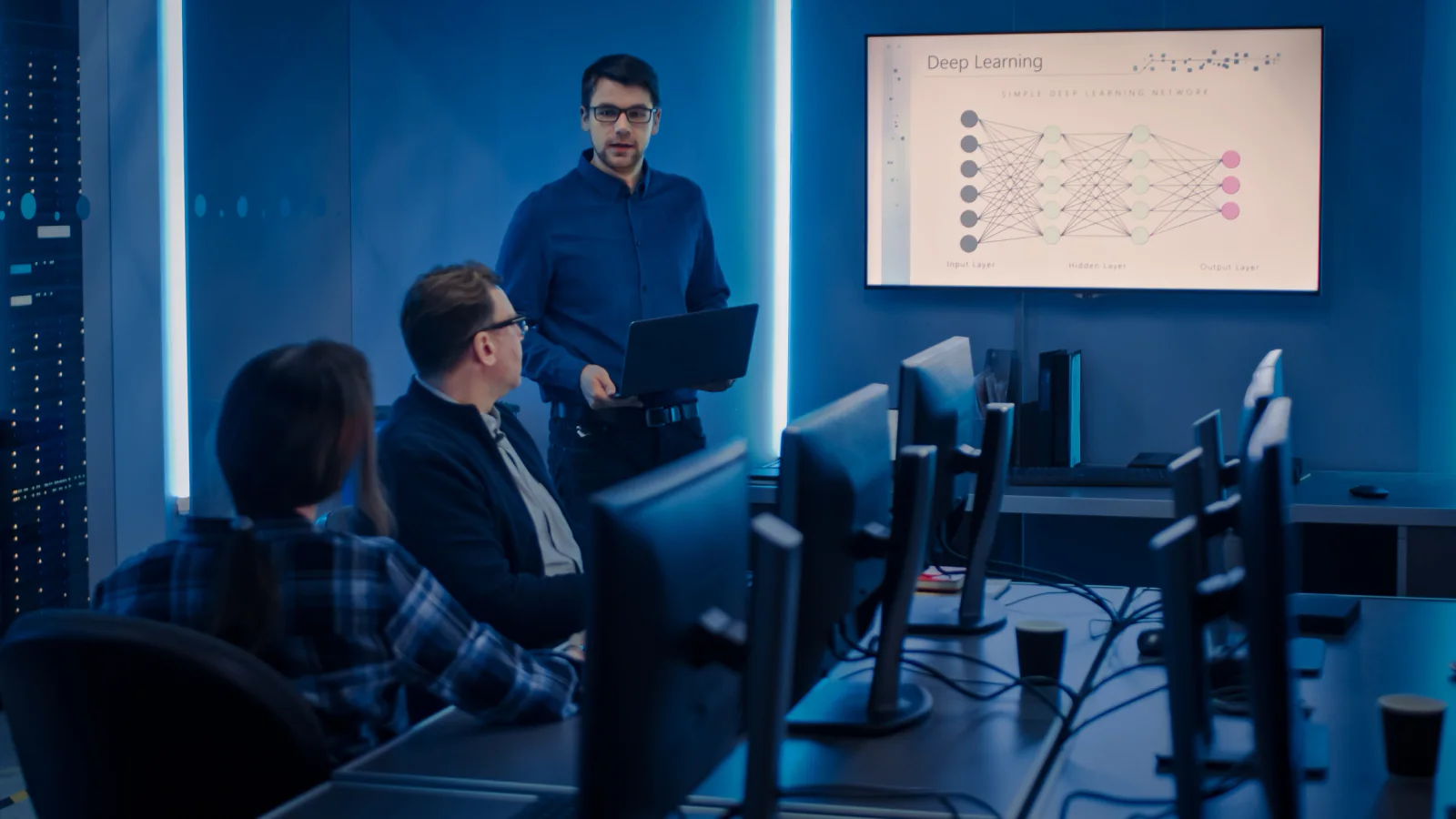
Testing-Ready Classroom Deployments
Training and testing rooms planned around controlled device configurations, consistent workstations, assessment requirements, and support planning.
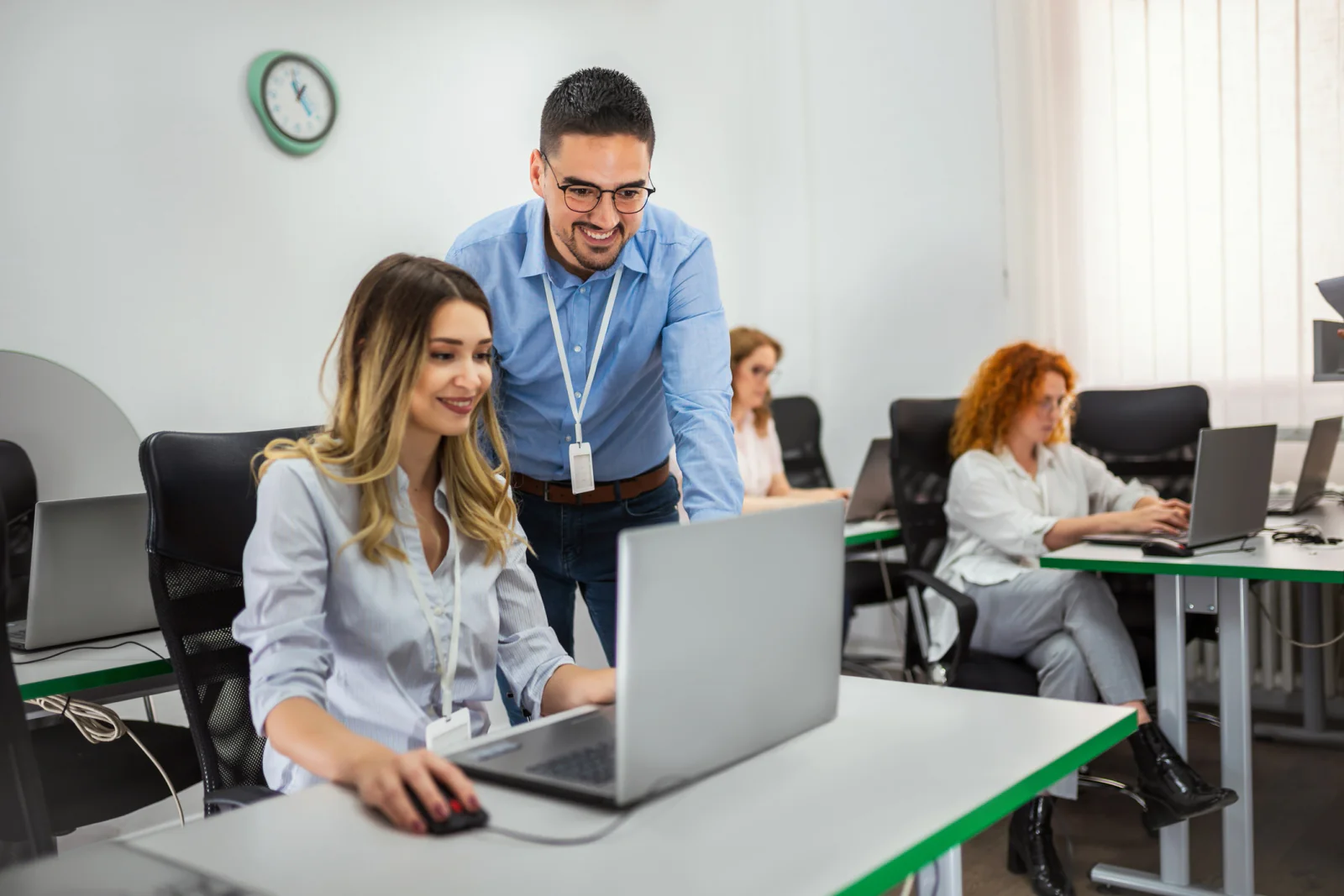
Employee Onboarding & New-Hire Training
Temporary classrooms for onboarding groups, new-hire cohorts, system introductions, and internal training programs that need matching devices.

Multi-Session Program Rollouts
Repeatable classroom technology for training programs that run across multiple days, cohorts, rooms, cities, or learner groups.
Classroom rental categories
Popular classroom training rental configurations
Choose the classroom rental profile that best matches your training schedule, software requirements, learner count, room layout, and support needs.

Onsite Computer Training Labs
Turn classrooms, conference rooms, hotel meeting rooms, and temporary training spaces into fully equipped computer labs with matched devices and support equipment.
Request pricing for this classroom training option, or add it to a multi-item quote request for a larger training, testing, or event technology deployment.

Certification & Testing Labs
Standardized rental devices for certification exams, assessments, testing rooms, and proctored environments where consistency and controlled configuration matter.
Request pricing for this classroom training option, or add it to a multi-item quote request for a larger training, testing, or event technology deployment.
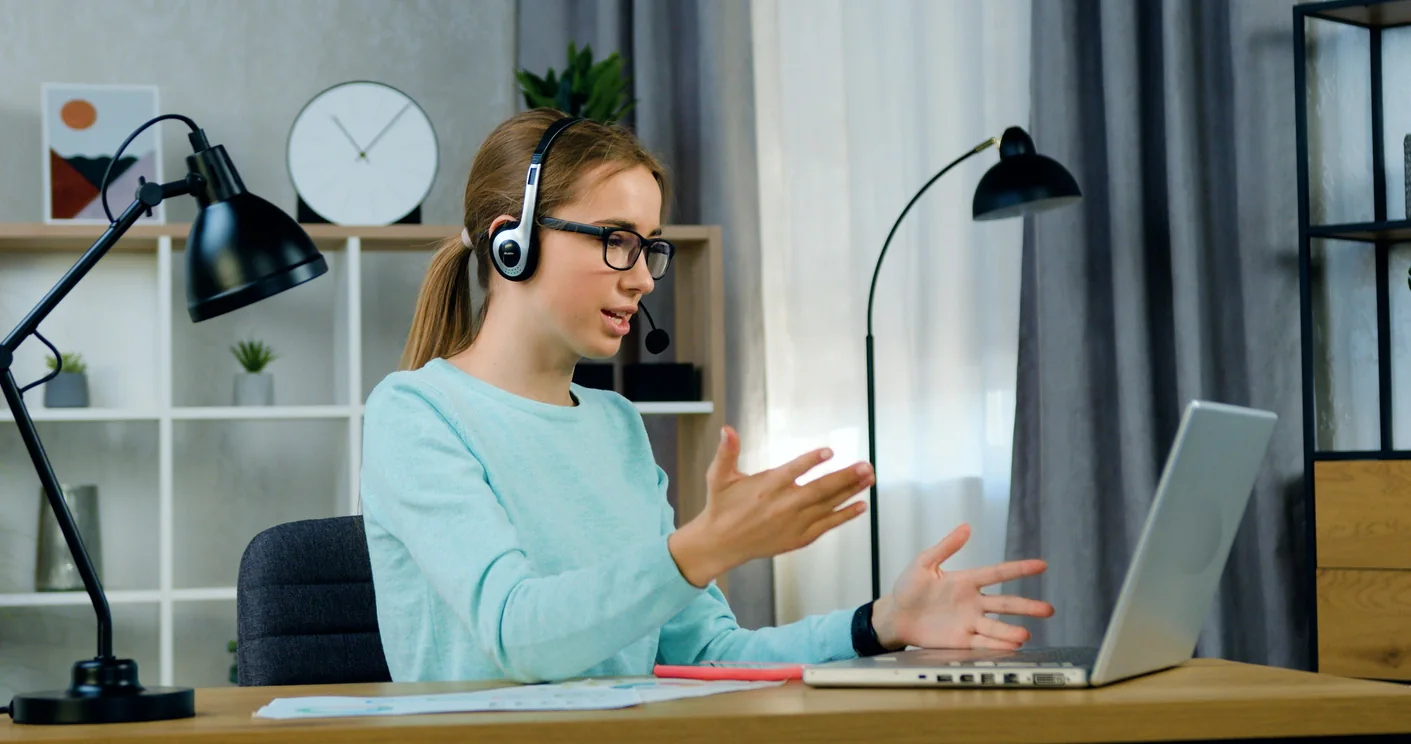
Hybrid & Remote Training Support
Ship configured rental devices to multiple offices, home learners, satellite classrooms, or regional training sites for consistent hybrid learning programs.
Request pricing for this classroom training option, or add it to a multi-item quote request for a larger training, testing, or event technology deployment.

Software Training & Rollout Labs
Rental device labs for software rollouts, system migrations, new platform adoption, and hands-on training where every attendee needs a consistent setup.
Request pricing for this classroom training option, or add it to a multi-item quote request for a larger training, testing, or event technology deployment.
Classroom planning guidance
How to plan a classroom training rental package
Classroom rentals work best when the seats, devices, software, instructor needs, connectivity, printing, spare equipment, and support model are planned together.
Plan the Room by Seats, Not Just Device Count
A training room needs learner stations, instructor equipment, spare devices, power, cabling, display support, printing, networking, and support access. Count the full room, not just the laptops.
Confirm Software and Login Requirements Early
Software installs, browser requirements, VPN access, licensing, test accounts, and customer security requirements can affect the device plan. Confirm those details before equipment ships.
Build in Time for Setup and Testing
Classroom rentals should be powered on, connected, logged in, and tested before the first attendee arrives. Setup timing matters as much as equipment selection.
Classroom training use cases
How organizations use classroom training rentals
Classroom training rentals support onboarding, software rollouts, certification prep, partner education, customer training, testing labs, and temporary learning spaces.
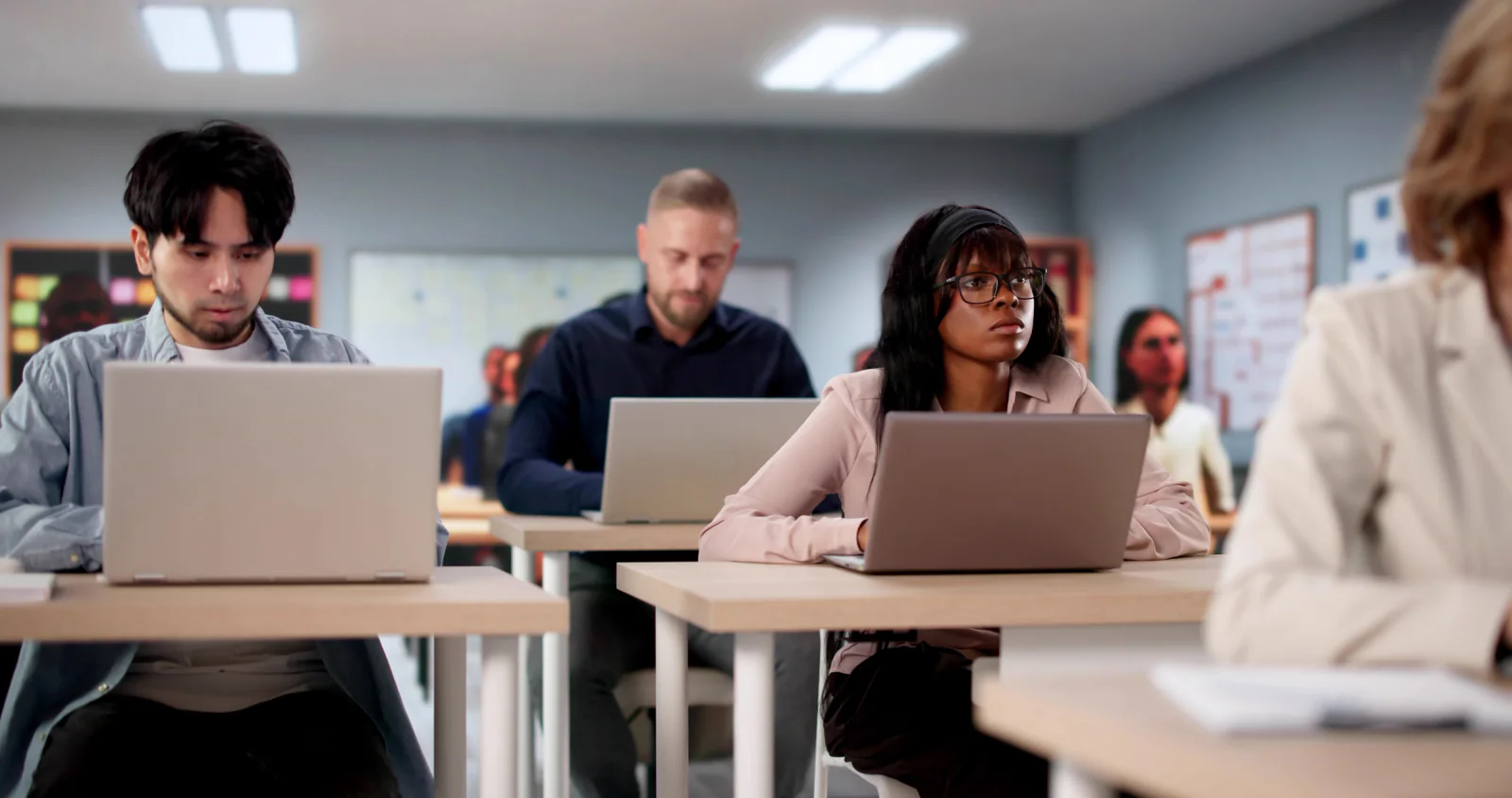
Corporate Onboarding & Internal Training
Support new-hire groups, department training, sales enablement, and internal systems education with consistent rental devices and instructor-ready classroom support.

Partner, Customer & Vendor Training
Create temporary labs for partner enablement, customer education, reseller training, vendor workshops, and recurring sessions where attendees need hands-on access.

Pop-Up Classrooms & Temporary Learning Labs
Build training environments in hotels, offices, campuses, conference rooms, or temporary spaces when permanent computer labs are not available.
Nationwide classroom training support
Classroom training rentals nationwide for software training, onboarding, certification programs, testing labs, and temporary learning environments
Rentacomputer.com supports classroom training rental projects throughout the United States for hotels, campuses, training centers, offices, conference rooms, testing rooms, and temporary learning spaces.
Organizations rent classroom training technology when a short-term program needs a consistent learning environment without permanent equipment purchases. That may mean a software training lab in Chicago, onboarding laptops in New York, certification testing in Dallas, partner training in Orlando, or a pop-up classroom in Las Vegas.
Classroom rental projects often connect to broader training and event technology needs. A complete setup may include laptops, desktops, monitors, printers, routers, hotspots, instructor displays, headsets, webcams, tablets, spare devices, and on-site technical support.
Classroom training rental projects also support industries such as Enterprise, Educational Services, Healthcare, Financial Services, Government, and Legal.
Deployment support
Services that support classroom training deployments
Classroom training rentals often work best with setup support, software checks, troubleshooting, and logistics coordination that keep learning sessions moving.
Training & Development Support
Support instructor-led programs, classroom technology planning, device readiness, lab setup, and short-term learning environments.
On-Site IT Support
Setup, testing, troubleshooting, device support, network help, and live technical support for classroom and training deployments.
Project & Event Management Support
Coordinate delivery, setup timelines, room plans, support needs, pickup, and return logistics for larger training programs.
Virtual Camp Services
Support distributed learning programs, remote camps, online workshops, shipped device kits, and multi-location participant experiences.
Classroom training FAQ
Frequently asked questions about classroom training rentals
Here are a few common questions teams ask when planning classroom technology rentals for software training, onboarding, certification, testing, and temporary learning programs.
What equipment can I rent for classroom training?
Classroom training rentals may include laptops, desktops, tablets, monitors, printers, projectors, displays, keyboards, mice, headsets, webcams, networking equipment, power strips, carts, and spare devices.
Can classroom training rentals include setup support?
Yes. Depending on the project, classroom training rentals can include delivery coordination, setup support, software checks, troubleshooting, on-site IT help, pickup, and return logistics.
Can devices be configured for software training?
Yes. Training deployments can be planned around required applications, browser access, test accounts, VPN needs, device settings, and other readiness requirements when those details are provided early.
Are classroom rentals available for multi-day or recurring programs?
Yes. Classroom rental deployments can support one-day sessions, multi-day bootcamps, recurring cohorts, rotating classes, regional training, and larger rollout programs.
Why Rentacomputer.com for classroom training rentals?
Plan classroom rentals around learners, instructors, software, seats, connectivity, support, and the training schedule.
- Classroom training rentals for software training, onboarding, certification prep, testing labs, bootcamps, and temporary learning environments
- Short-term laptops, desktops, tablets, monitors, printers, networking, instructor displays, peripherals, spares, and support equipment
- Quote-cart support for training planning plus direct Request Quote paths for consultative classroom technology support
- Strong internal linking across laptops, computers, testing, printers, wireless, training support, and event rental paths
- Nationwide coordination for hotels, campuses, training centers, offices, conference rooms, testing rooms, and temporary classrooms
Browse rental categories
Back to Products · Rentals hub
Ready to price a rental?
Tell us quantities, dates, and delivery location — we’ll respond with a business-ready quote.