
Choose VR rentals around what users need to experience, how long each session takes, and how the station will operate in the real venue.
Virtual reality rental planning
Virtual Reality Rentals for Events, Training, Demos & Immersive Activations
Rent virtual reality equipment for trade shows, conferences, experiential marketing, training simulations, product demos, stakeholder reviews, and short-term immersive environments. Rentacomputer.com helps teams plan VR rentals around real-world deployment needs including station layout, performance support, mirrored displays, user flow, sanitation, and predictable on-site operation.
Immersion ReadyVR headsets, performance compute, mirrored displays, operator stations, and event support
- Trade shows, training labs, demos, product reviews, and activations
- Headsets, controllers, gaming desktops, monitors, cabling, and accessories
- User flow, sanitation, staffing, power, testing, and onsite reliability
Event-ready immersive stations
VR rentals built around the experience, user flow, station layout, and support equipment.
Virtual reality rentals work best when the full experience is planned, not just the headset. A public event demo needs a clear queue and mirrored display. A training simulation needs repeatable stations and guided use. A stakeholder showcase may need stronger compute, stable frame rates, and a more controlled presentation environment.
We help match the VR rental package to the venue, audience, content requirements, user flow, staffing plan, sanitation process, power access, mirrored displays, and related technology needed to make the experience run smoothly.
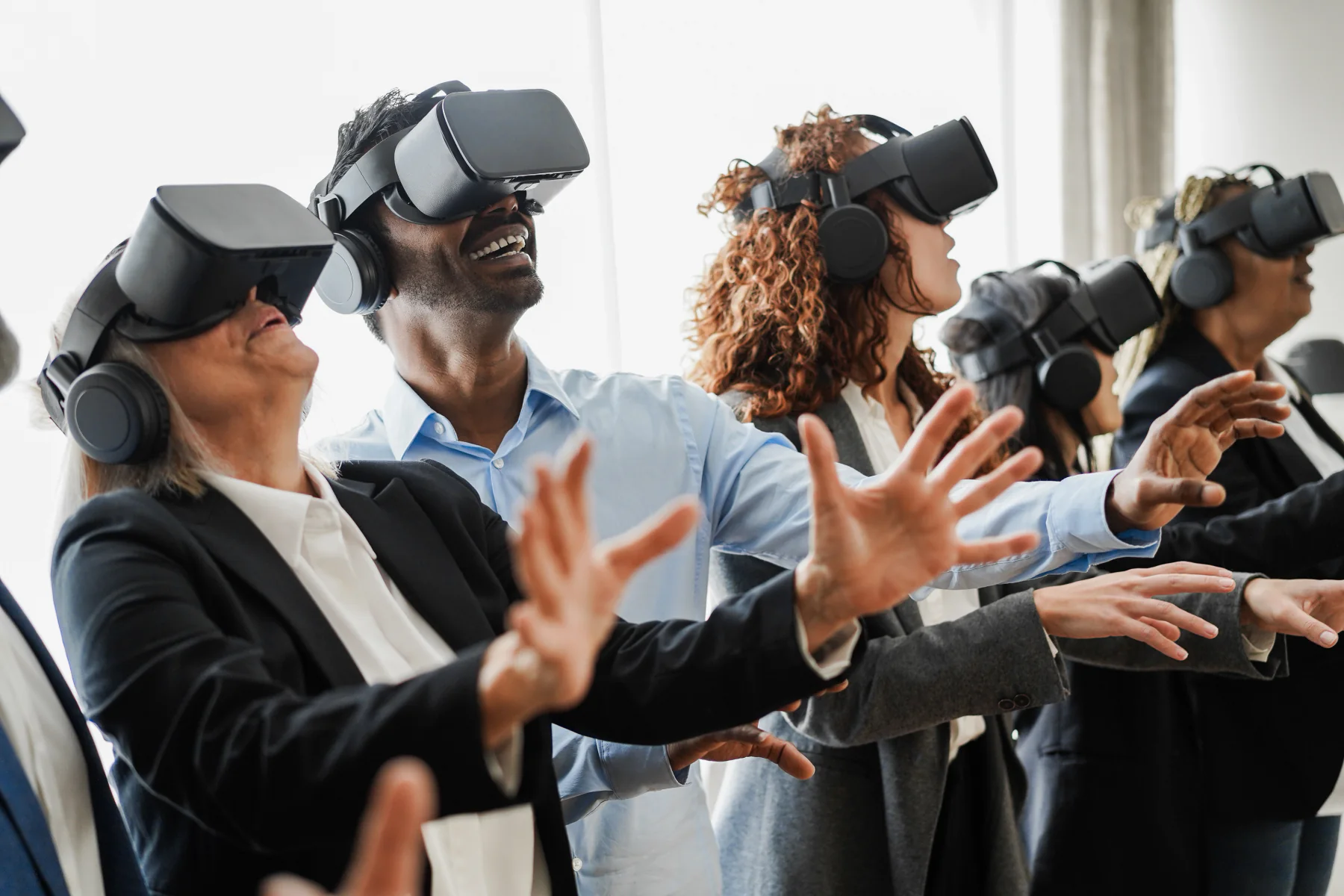
Plan the full VR station so attendees, operators, and nearby spectators can understand and manage the experience smoothly.
Coordinate VR hardware with performance systems, mirrored displays, power, user flow, and event support before the first demo begins.
Create More Memorable Attendee Engagement
VR gives attendees a hands-on experience that can make product stories, training content, and branded activations easier to remember.
Plan Around Real Event Throughput
Successful VR rentals account for session length, queue flow, staffing, sanitation, spectator visibility, and transition time between users.
Build Stable VR Stations
Pair headsets with appropriate compute, mirrored monitors, accessories, power, and operator workflow so the station is planned for active onsite use.
Ready to move forward?
Ready to plan VR rentals for your event, demo, or training program?
Tell us the experience type, number of stations, expected users, session length, venue layout, content requirements, and whether you need performance desktops, mirrored monitors, accessories, internet, or onsite support.
Plan the right VR setup
VR headset rentals, event demo stations, training simulations, performance compute, and mirrored display support
We provide short-term virtual reality rentals for the immersive environments teams request most often, including event VR stations, activation demos, training simulations, product showcases, developer reviews, and stakeholder presentation setups.
Common VR rental requests include trade show demos, experiential marketing activations, branded engagement stations, safety training simulations, education labs, product walkthroughs, virtual design reviews, and temporary immersive presentation environments.
VR rentals are especially useful when an organization needs immersive technology for a short-term program without buying, configuring, and supporting permanent hardware. Many deployments also involve gaming desktops, Alienware systems, mirrored monitors, accessories, wireless internet, displays, and onsite technical support.
Gaming DesktopsAlienware RentalsMirrored DisplaysTrade Show DemosWireless InternetOn-Site IT SupportVR HeadsetsTraining SimulationsExperiential MarketingStakeholder Reviews
Workflow Lab
Plan VR rentals around station flow, performance, staffing, and spectator visibility
A strong virtual reality rental plan connects the headset, compute system, mirrored display, user area, operator workflow, sanitation plan, power, content testing, and event support before users arrive.
Define the VR experience and user flow
Start with the experience length, number of users, venue footprint, staffing model, safety area, sanitation process, and whether spectators need mirrored displays.
Match headset, compute, display, and station layout
Coordinate headsets, controllers, performance desktops or laptops, mirrored monitors, cabling, power, internet, physical spacing, and operator placement.
Prepare for testing, demos, resets, and return
Plan content testing, headset setup, user onboarding, cleaning workflow, troubleshooting, reset timing, pickup, and end-of-rental return logistics.
Featured VR solutions
Featured virtual reality rental options
These featured VR groupings help teams quickly understand the setups most often used for public demos, structured training, and performance-focused showcases.
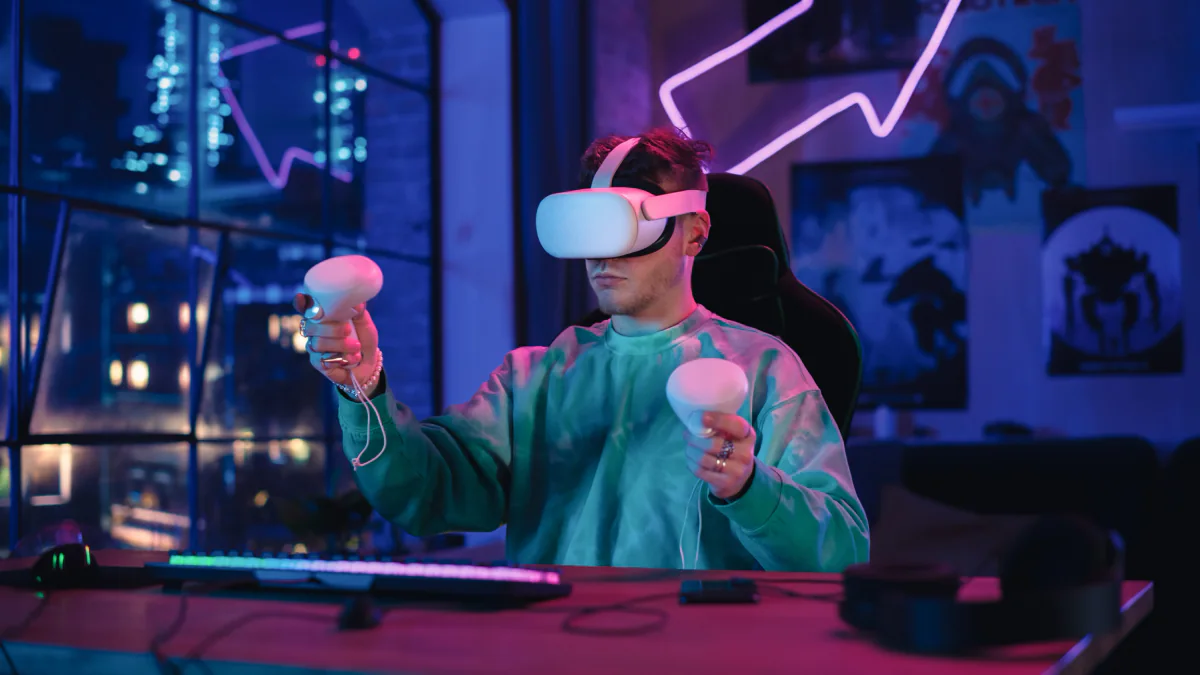
Public Demo & Event VR Setups
VR rental packages designed for public-facing environments where user flow, staffing, sanitation, and visible spectator support all matter as much as the headset itself.
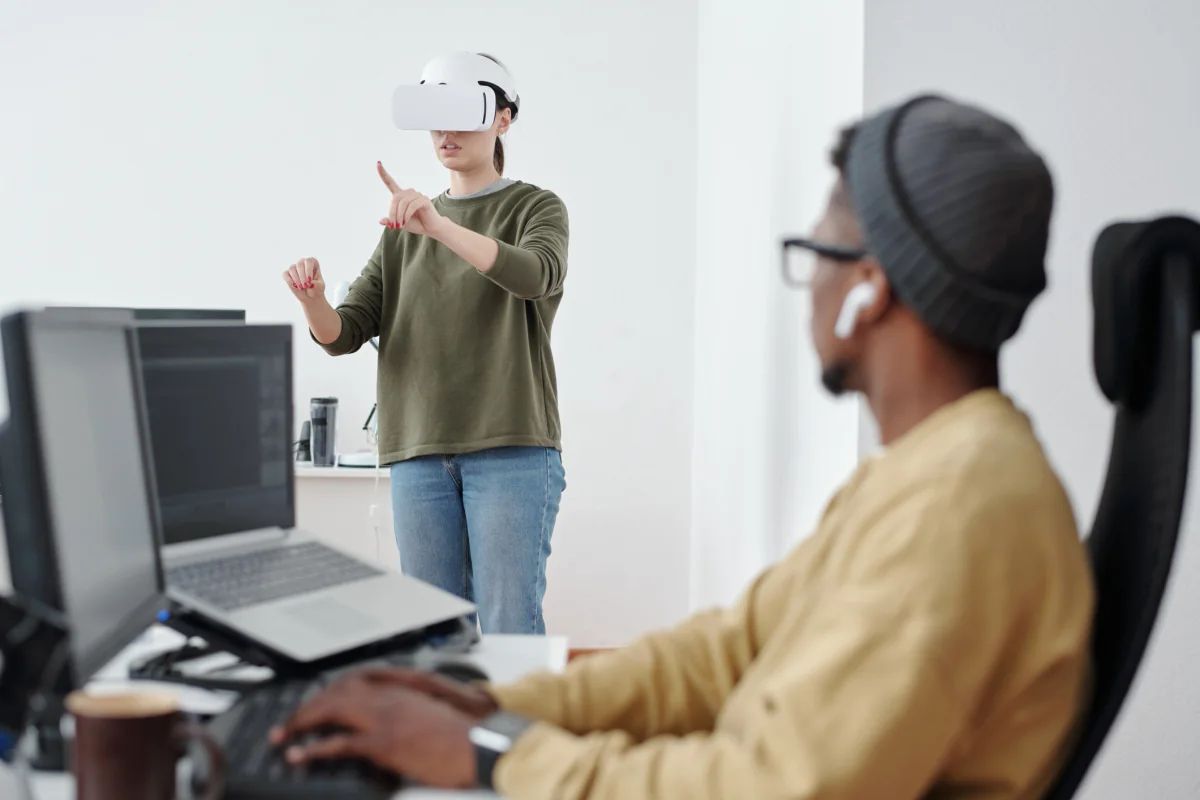
Structured Training & Simulation VR Setups
VR deployments built for more repeatable learning and simulation use where consistency and guided participation matter more than spectacle.
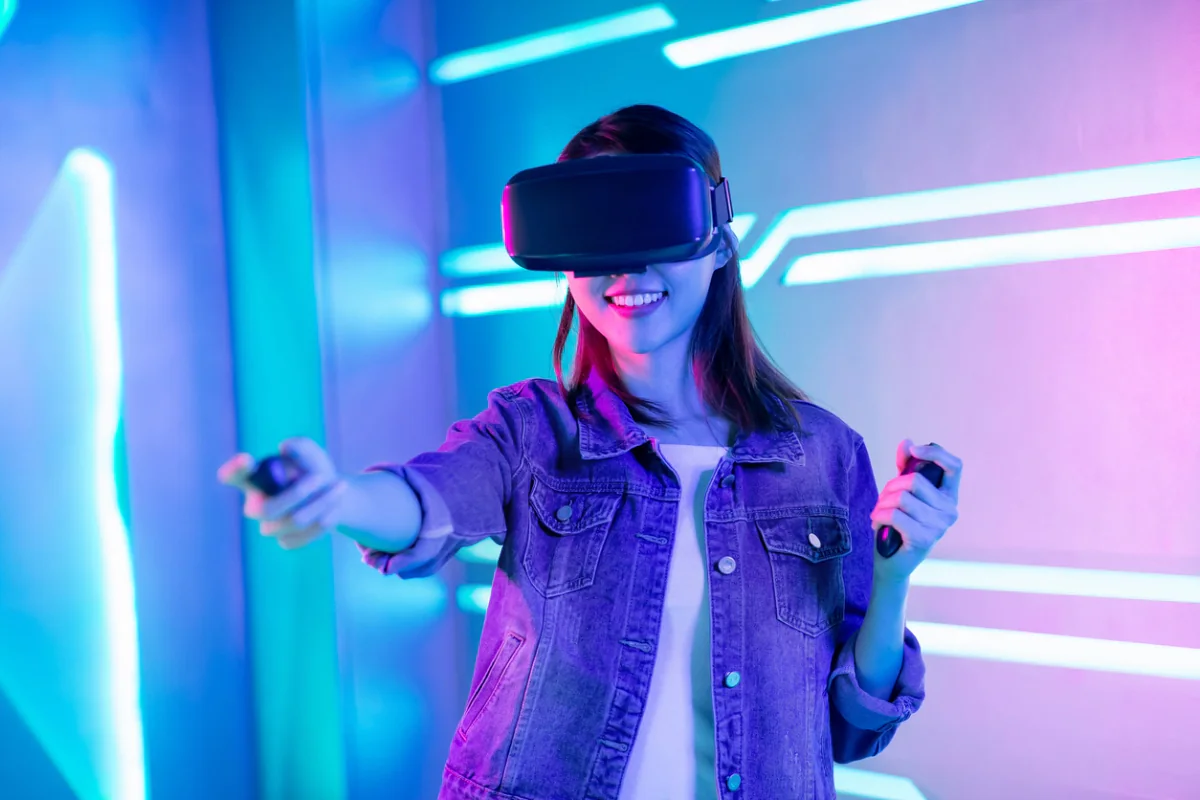
Performance & Showcase VR Setups
VR rental packages supported by performance compute, spectator displays, and cleaner station planning for higher-fidelity demos and review environments.
Virtual reality rental categories
Popular VR rental configurations
Choose the VR rental package that best matches your experience, venue, audience, and support requirements. Request direct pricing or add a VR package to a multi-item quote request.
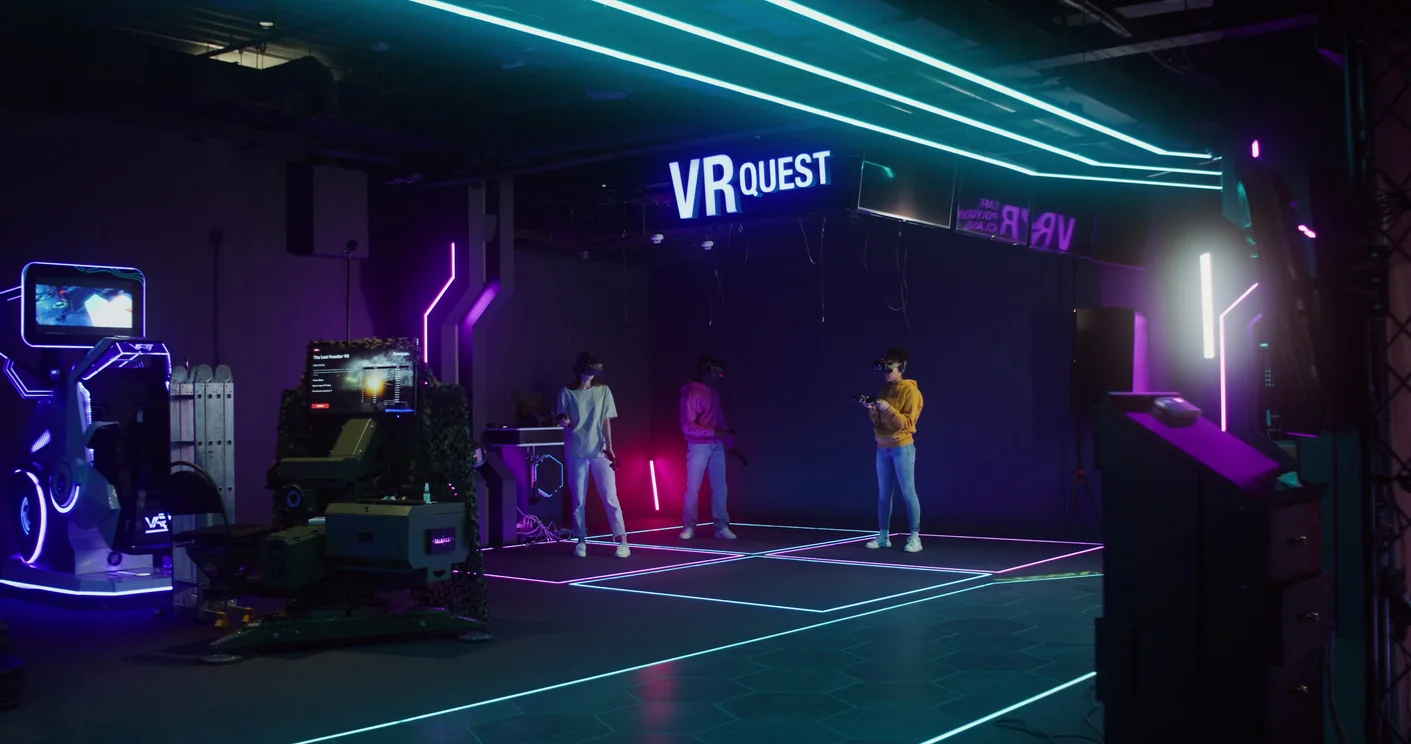
Event & Activation VR Stations
Virtual reality rental packages designed for trade shows, activations, conferences, and public-facing demos where throughput, visibility, and station planning matter.
Request pricing for this VR rental package, or add it to a multi-item quote request for a larger event, training, or experiential technology deployment.
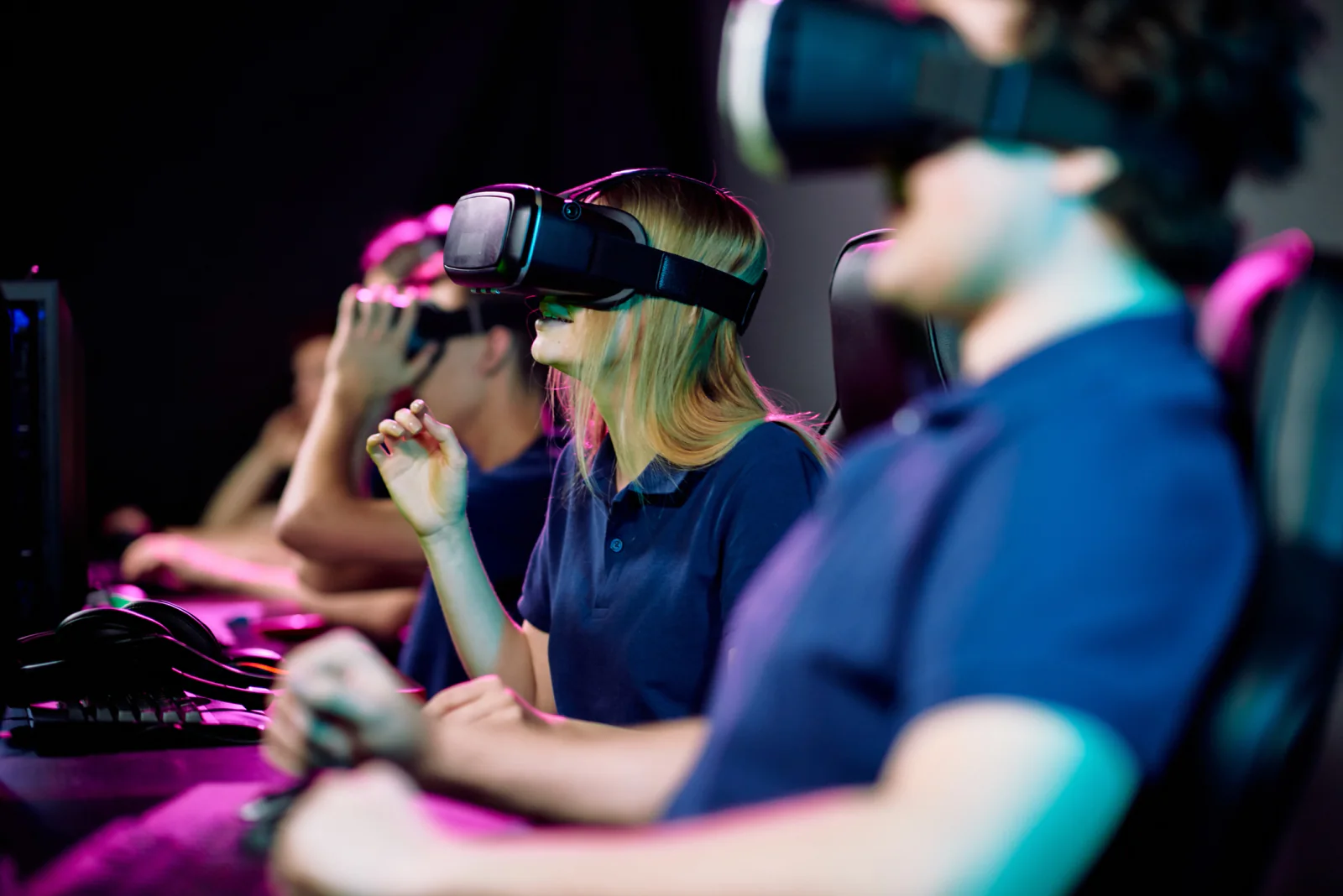
Training & Simulation VR Setups
VR rentals for training simulations, learning labs, temporary safety programs, and immersive educational environments that need short-term deployment flexibility.
Request pricing for this VR rental package, or add it to a multi-item quote request for a larger event, training, or experiential technology deployment.
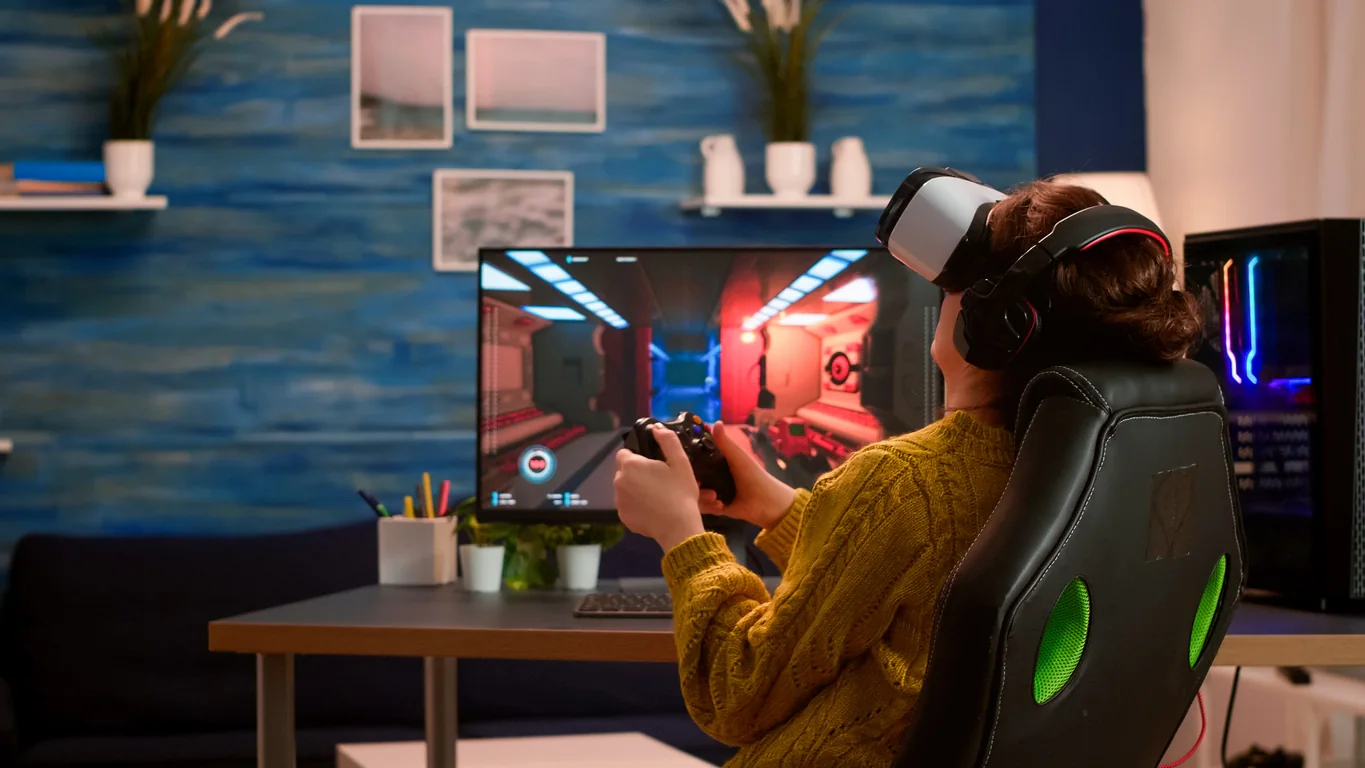
Showcase & Stakeholder Review VR Stations
VR rentals for developer showcases, stakeholder reviews, product previews, and controlled demonstrations where visual fidelity and performance planning matter.
Request pricing for this VR rental package, or add it to a multi-item quote request for a larger event, training, or experiential technology deployment.
VR planning guidance
How to plan a virtual reality rental package
VR rentals work best when the headset, content, compute, station footprint, user flow, sanitation, mirrored displays, and onsite support are planned together.
Start With the Experience, Not the Headset
A public activation, training simulation, and stakeholder demo each need different station layouts, content timing, staffing, mirrored displays, and reset workflows.
Plan Spectator Visibility
VR can be isolated if only the headset user sees the experience. Mirrored monitors or displays help operators guide users and let nearby attendees understand what is happening.
Account for Space, Safety, and Sanitation
VR stations need a clear physical area, cable control, user guidance, cleaning supplies or workflows, and enough time between sessions to reset the experience.
Virtual reality use cases
How organizations use VR rentals
Virtual reality rentals support experiential marketing, public demos, training labs, simulation environments, developer showcases, product reviews, and immersive event engagement.
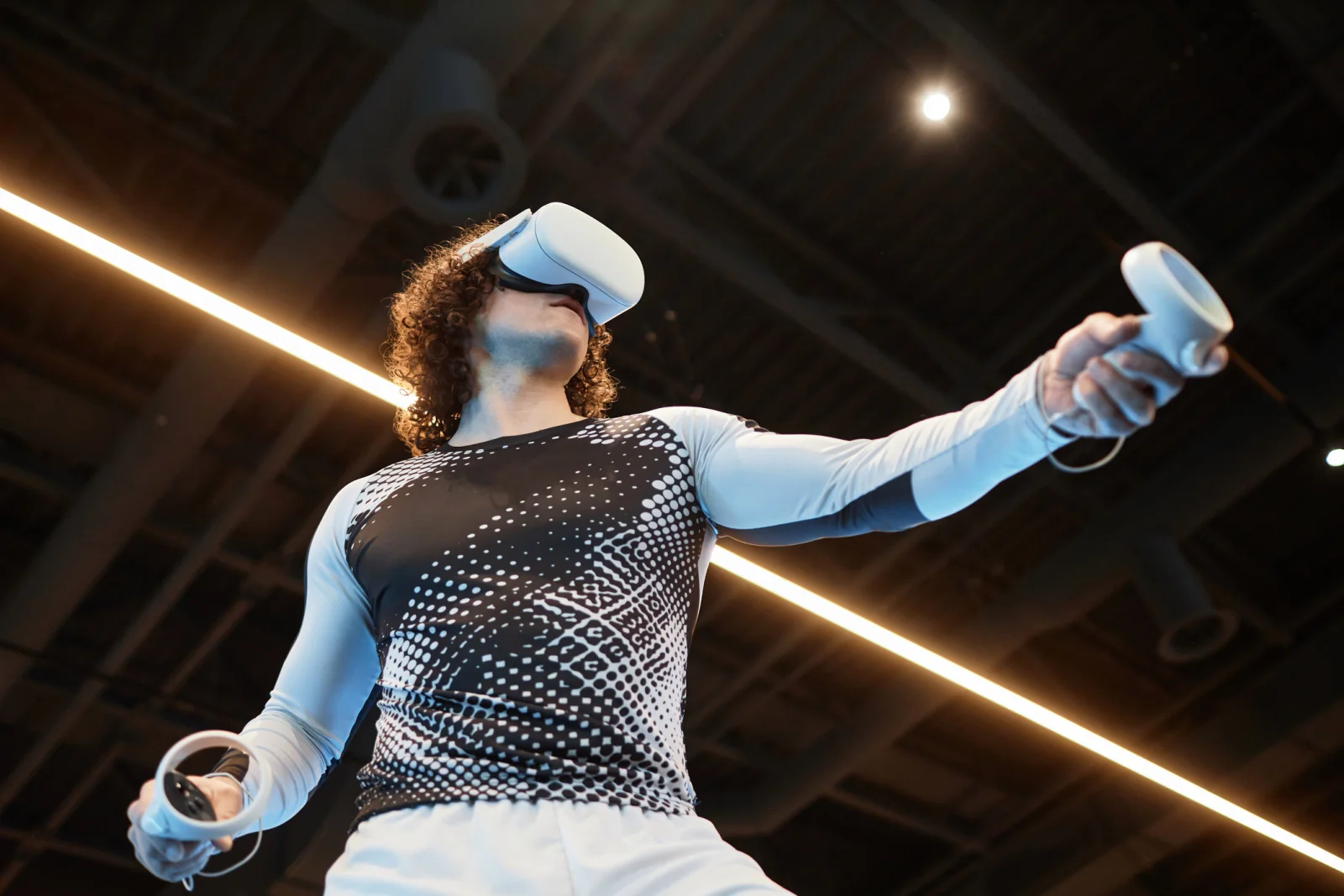
Experiential Marketing & Public Demos
Create immersive brand experiences with VR stations planned for real event conditions including throughput, staffing, sanitation, and onsite operating requirements.
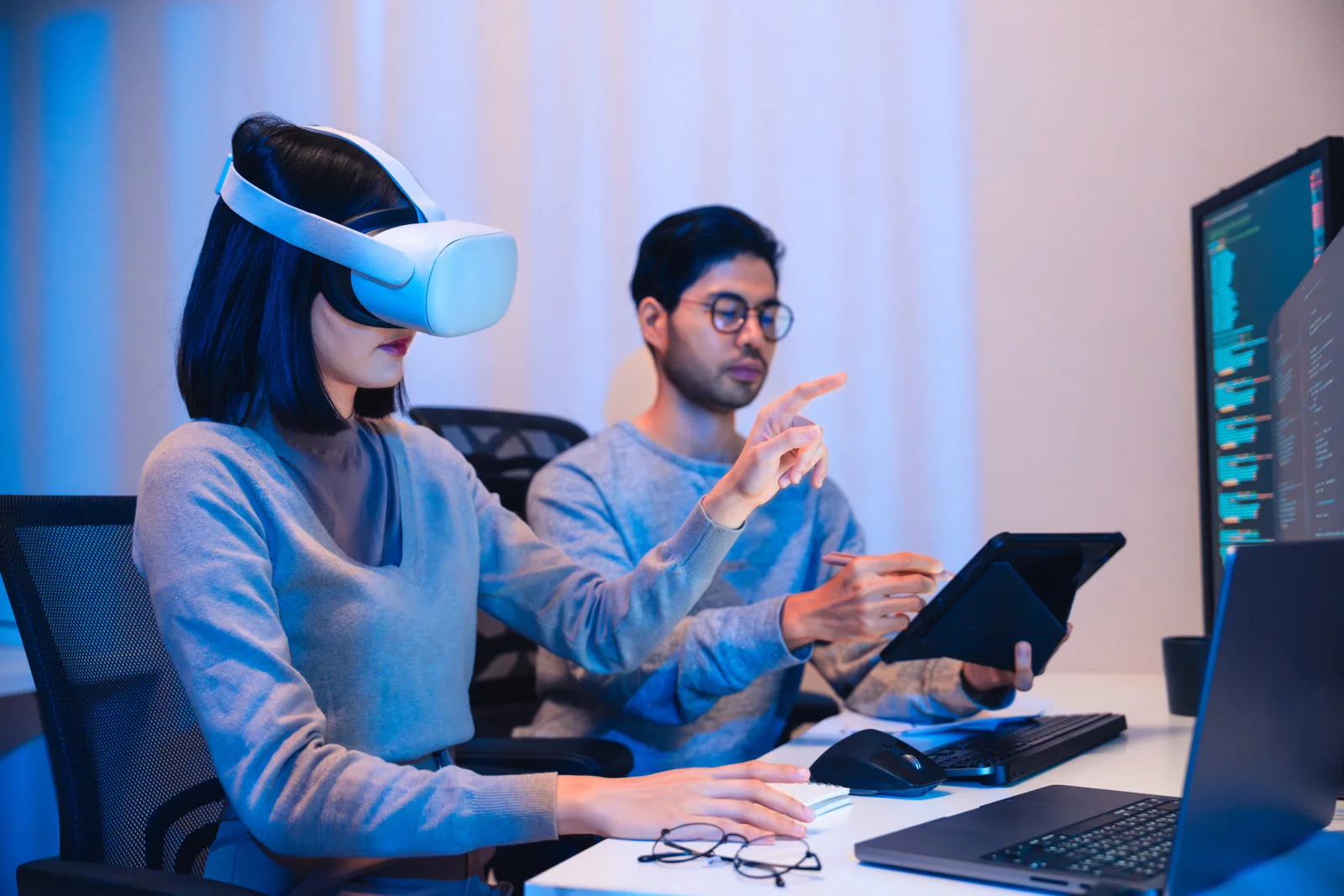
Training Simulations & Learning Labs
Use VR rentals for safety training, simulation exercises, and short-term learning programs where hands-on immersion improves retention and engagement.
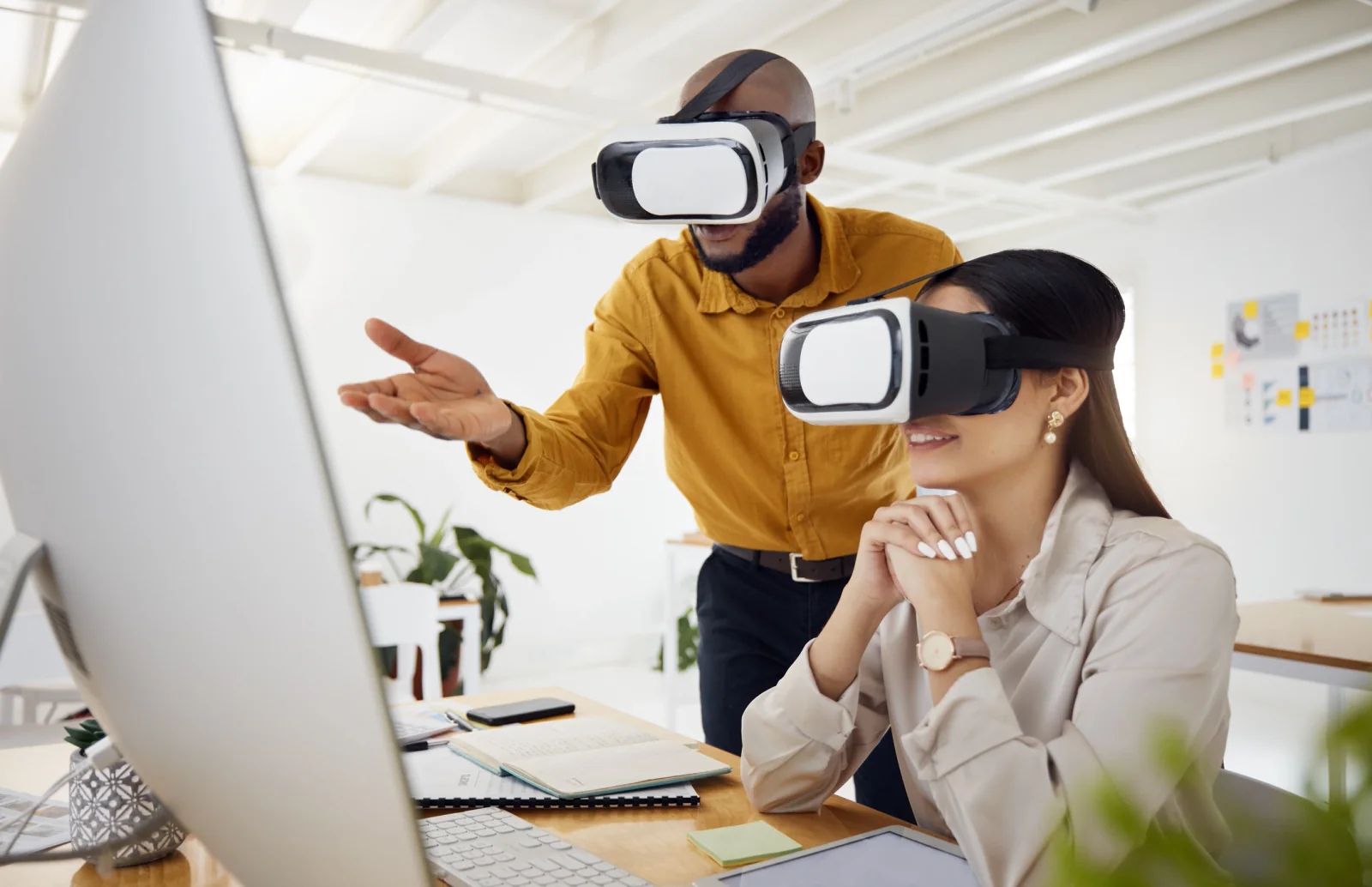
Developer Showcases & Product Reviews
Power high-fidelity VR demos with performance-oriented compute and mirrored displays for stakeholder walkthroughs, internal reviews, and public showcases.
Nationwide VR rental support
Virtual reality rentals nationwide for events, demos, training simulations, and immersive activations
Rentacomputer.com supports VR rental projects throughout the United States for trade shows, conferences, training rooms, product demos, experiential activations, campuses, offices, hotels, and temporary event spaces.
Organizations rent virtual reality equipment when a short-term project needs immersive technology without a permanent hardware purchase. That may include a trade show demo in Las Vegas, a training simulation in Chicago, a product review in New York, a brand activation in Orlando, or a structured learning environment across several temporary stations.
VR rentals are often connected to broader technology and event needs. A complete setup may include high-performance desktops, mirrored monitors, headsets, controllers, accessories, wireless internet, displays, onsite IT support, and event production planning.
Virtual reality rental projects also support industries such as Financial Services, Healthcare, Government, Educational Services, Enterprise, and Legal.
Deployment support
Services that support virtual reality deployments
VR rentals often require setup, testing, station planning, user-flow support, and technical troubleshooting so the immersive experience is prepared for active use.
Event Production Services
Coordinate immersive activations with event layout, staffing flow, displays, power, internet, and supporting AV resources.
On-Site IT Support
Support setup, testing, troubleshooting, workstation readiness, headset configuration, and temporary technical workflows.
Virtual reality rental FAQ
Frequently asked questions about VR rentals
Here are a few common questions teams ask when planning virtual reality rentals for events, demos, training simulations, product showcases, and immersive activations.
What is included in a virtual reality rental setup?
Virtual reality rental setups often include the headset, accessories, supporting compute when needed, mirrored display planning, cabling, and guidance around station layout and event use.
Do VR rentals work well for trade shows and public events?
Yes. VR rentals are often used for trade shows, activations, and conferences, but success depends on station planning, staffing, throughput, and spectator support rather than just the headset itself.
Can VR rentals be paired with gaming desktops and monitors?
Yes. Many VR deployments are paired with performance desktops and mirrored monitors so the station is easier to manage and easier for nearby attendees to follow.
What should I plan for before renting VR for an event?
You should plan for user flow, sanitation, staffing, power, mirrored displays, physical space, and the performance requirements of the experience itself. Those factors often matter more than headline device specs.
Why Rentacomputer.com for virtual reality rentals?
Plan VR rentals around the experience, station layout, compute, mirrored displays, user flow, and onsite support.
- Virtual reality rentals for trade shows, events, training simulations, demos, product reviews, stakeholder showcases, and immersive activations
- VR headsets, controllers, accessories, performance compute, mirrored displays, gaming monitors, and event-ready station planning
- Quote-cart support for multi-item rental planning plus direct quote paths for consultative VR rental support
- Related rental categories for gaming desktops, Alienware systems, gaming monitors, computer peripherals, wireless internet, displays, and onsite IT support
- Nationwide coordination for hotels, campuses, conference venues, exhibit halls, offices, training rooms, and temporary event environments
Browse rental categories
Back to Products · Rentals hub
Related rentals
Ready to price a rental?
Tell us quantities, dates, and delivery location — we’ll respond with a business-ready quote.